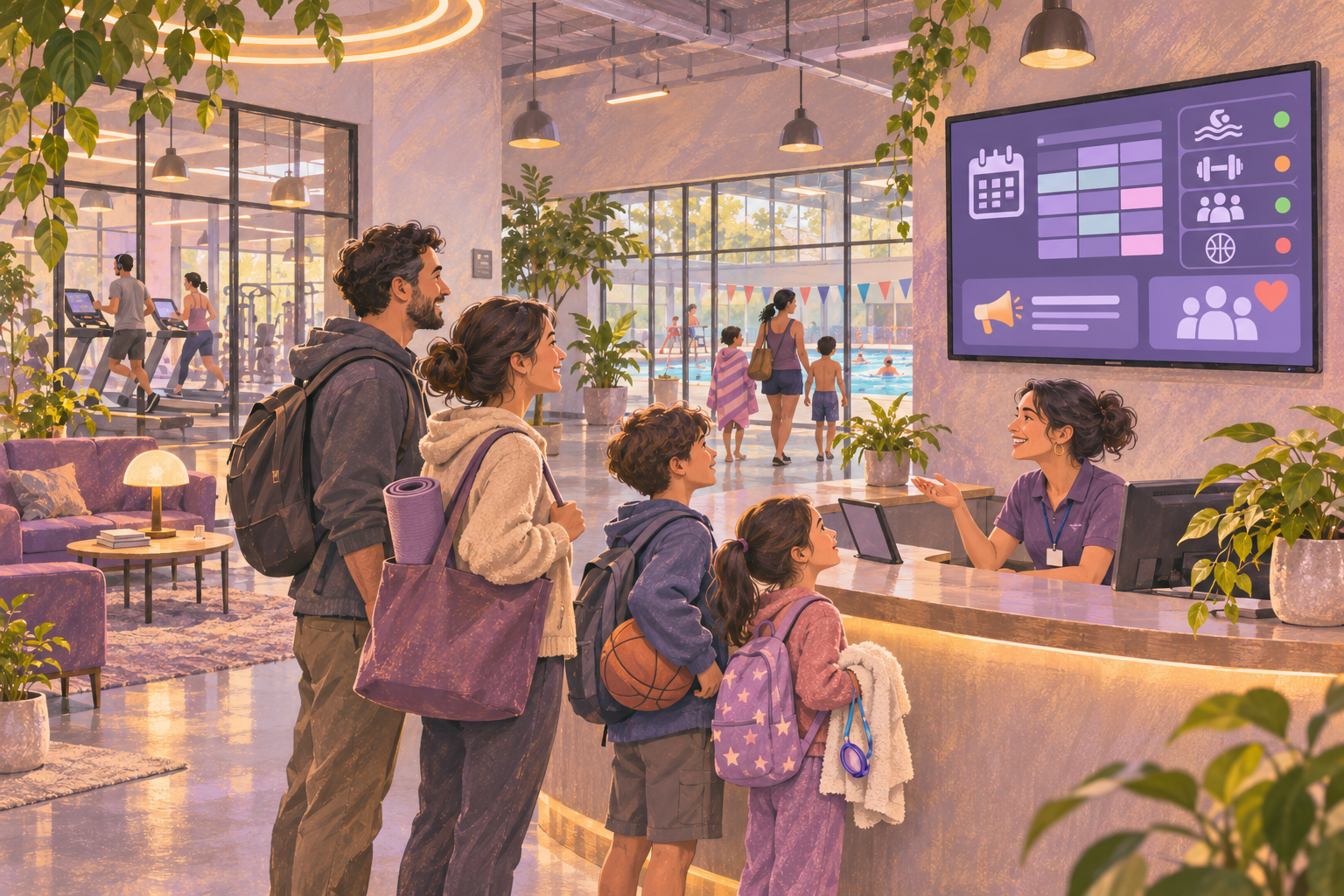
Digital Signage for YMCAs: A Software Buying Checklist
Choose YMCA digital signage with a practical checklist for class schedules, booking integrations, branch permissions, cancellations and a one-screen pilot.
Stay updated with the latest news, tips, and insights on digital signage.
Choose YMCA digital signage with a practical checklist for class schedules, booking integrations, branch permissions, cancellations and a one-screen pilot.
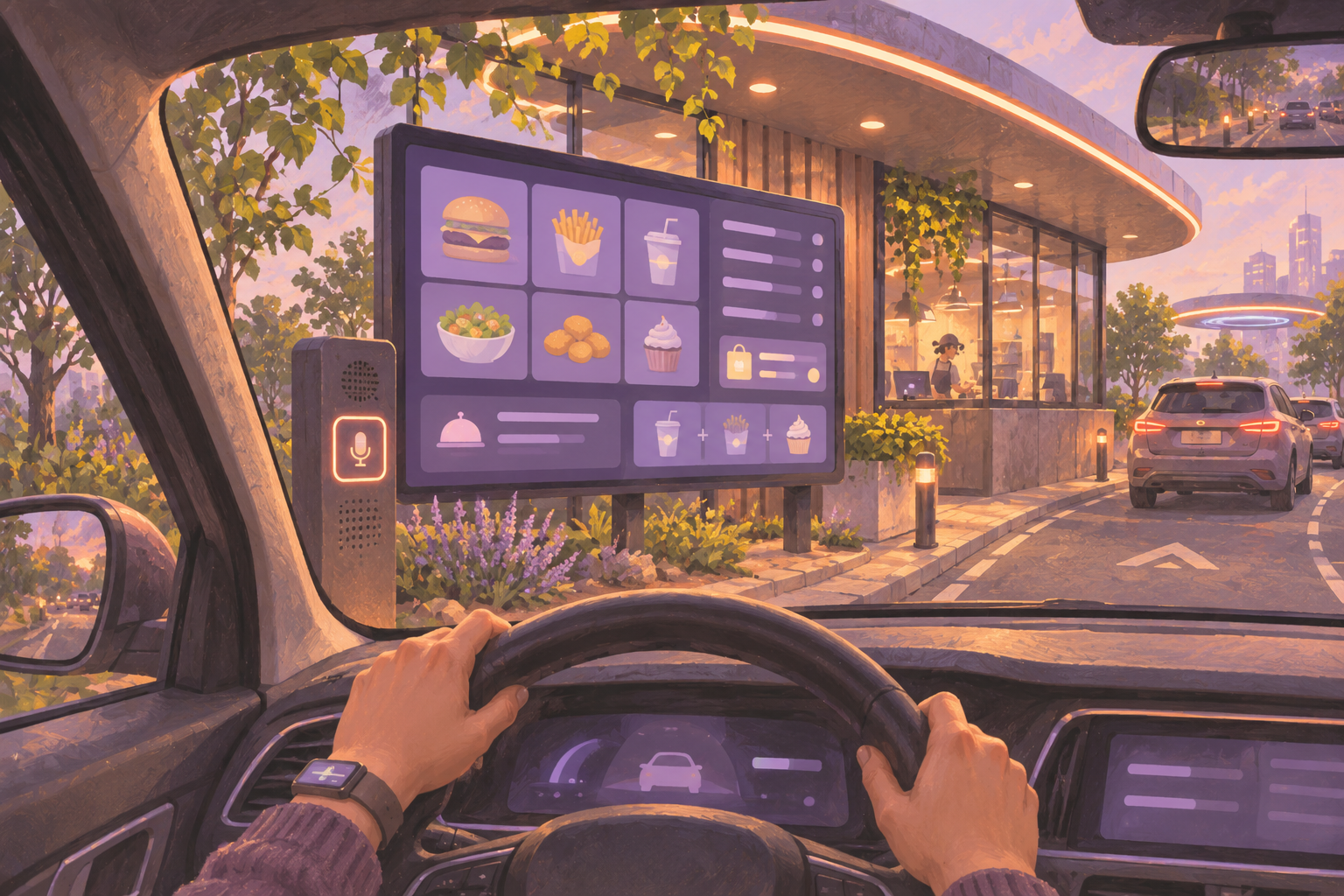
Build a drive-thru menu drivers can read from the order point. Get a sample layout and a routine for daypart switches and sold-out items.
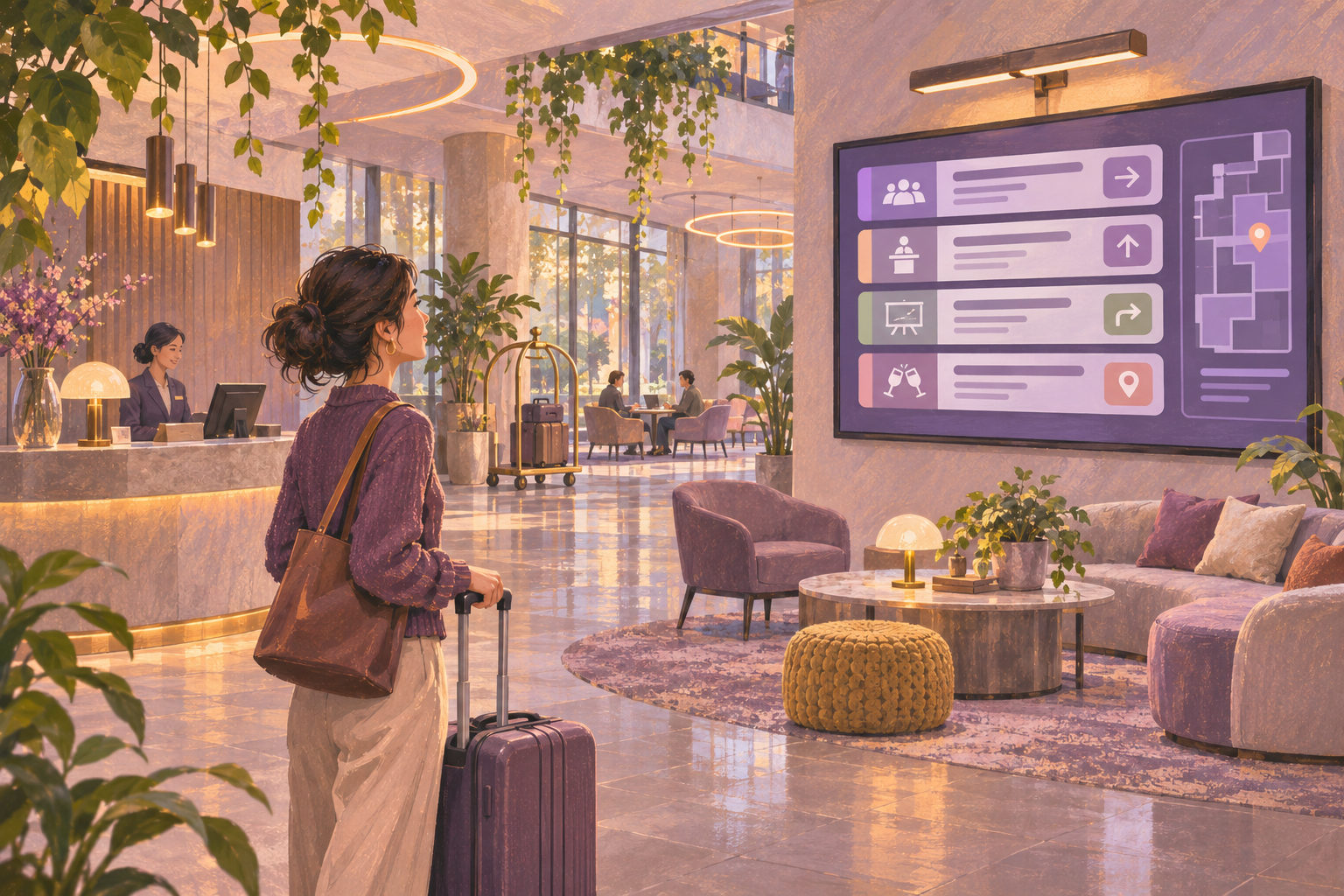
Build a hotel lobby event board guests can read at a glance. Includes a sample directory, a room-change procedure, and a one-screen pilot.
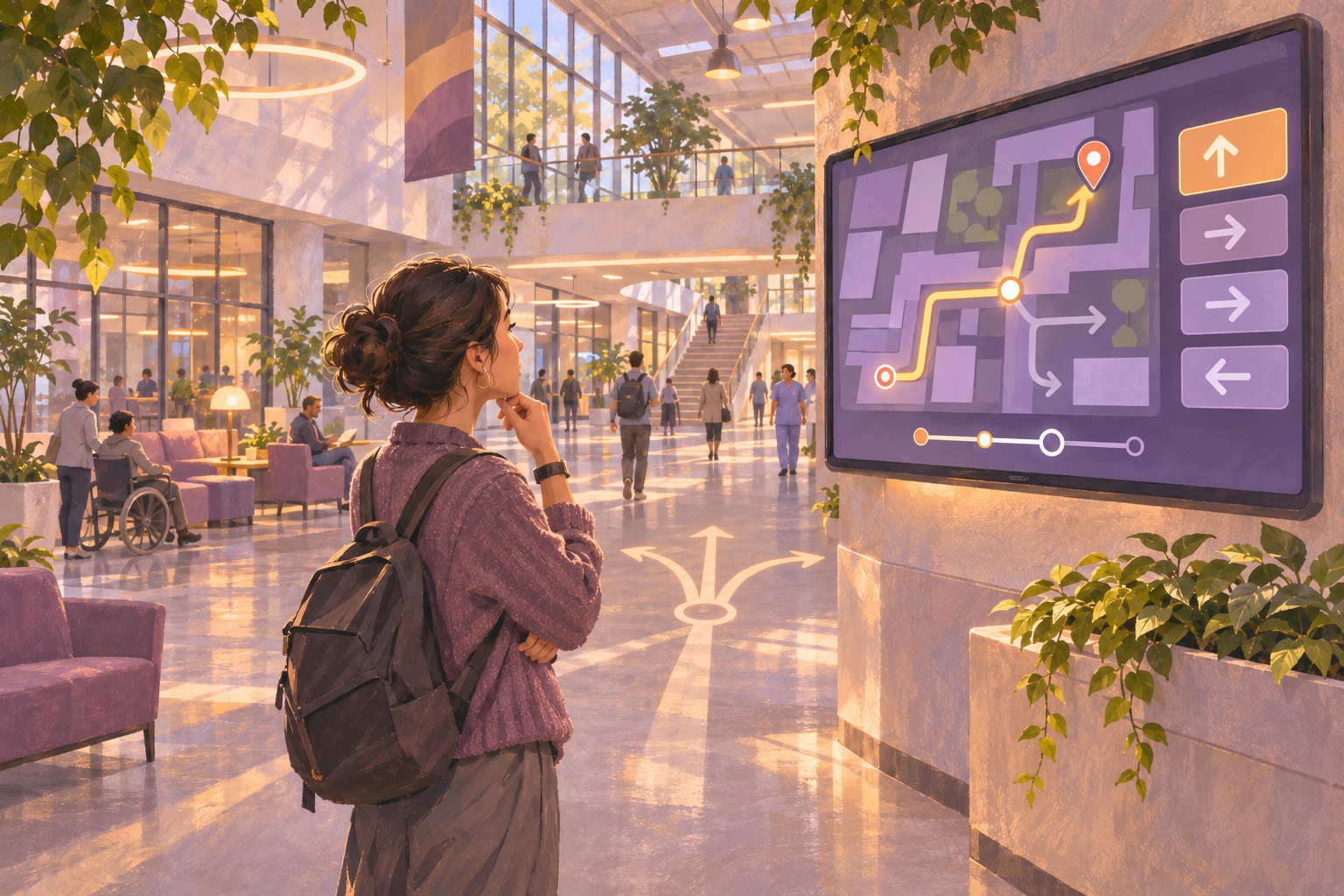
Plan a digital wayfinding route with a decision-point audit, sample directions, and a checklist for testing your first screen.
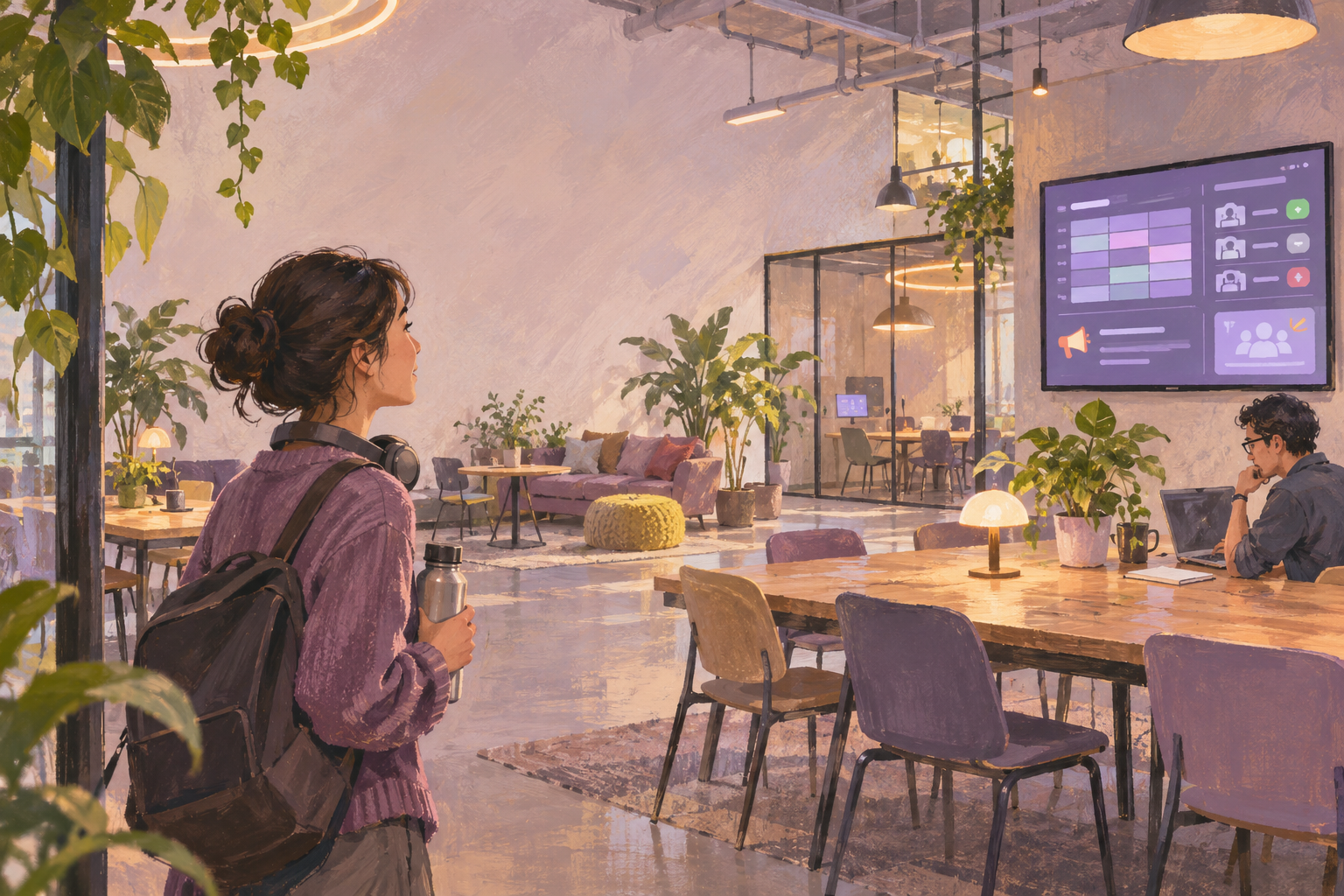
Set up a coworking lobby screen for member events, guest directions, and room schedules. Includes a sample playlist and a one-screen pilot.
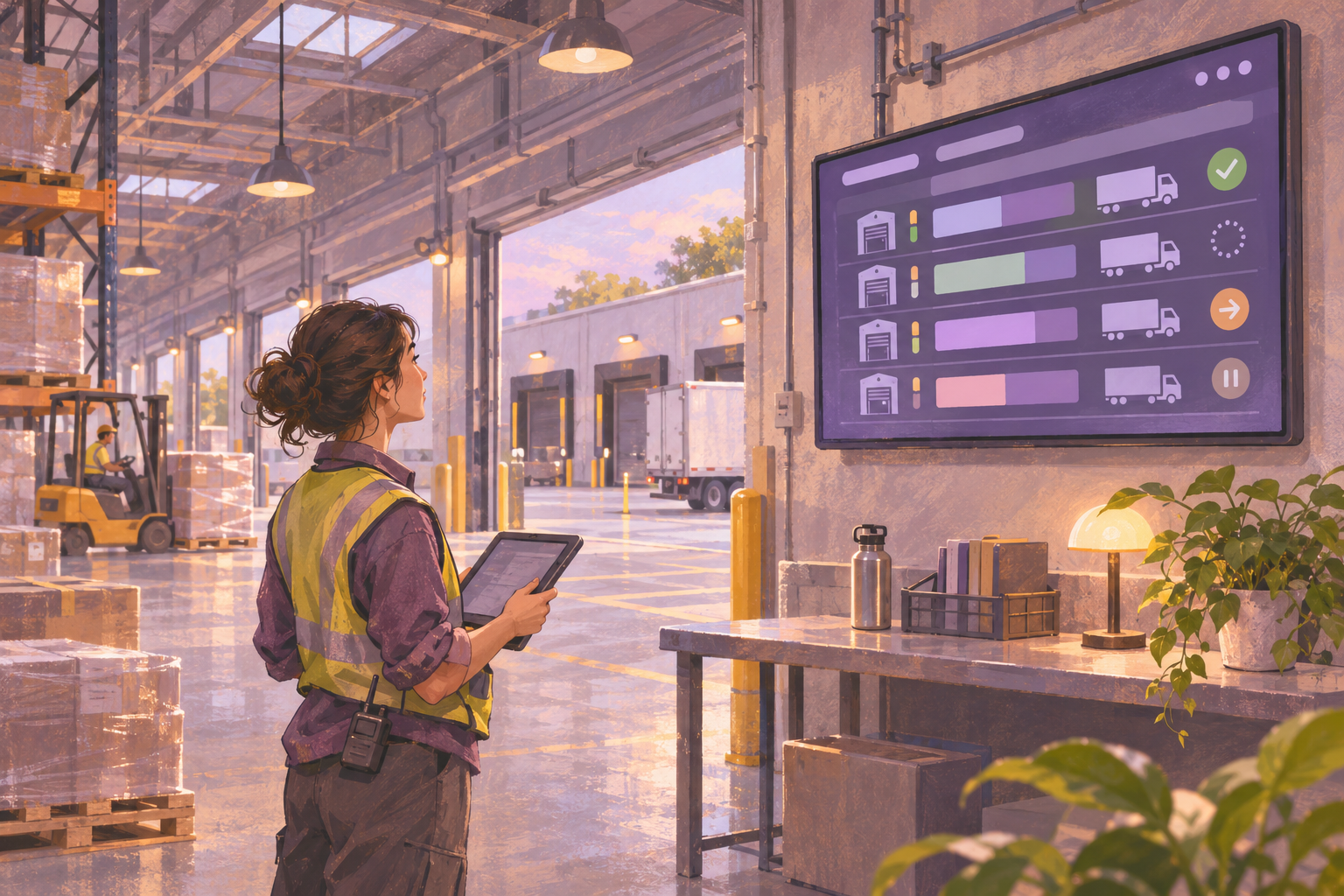
Build a dispatch screen for loading dock assignments with sample rows, a door-change procedure, and a one-screen pilot.

Plan factory screens for production updates, shift handovers, and staff notices. Includes sample layouts, data checks, and a one-screen pilot.
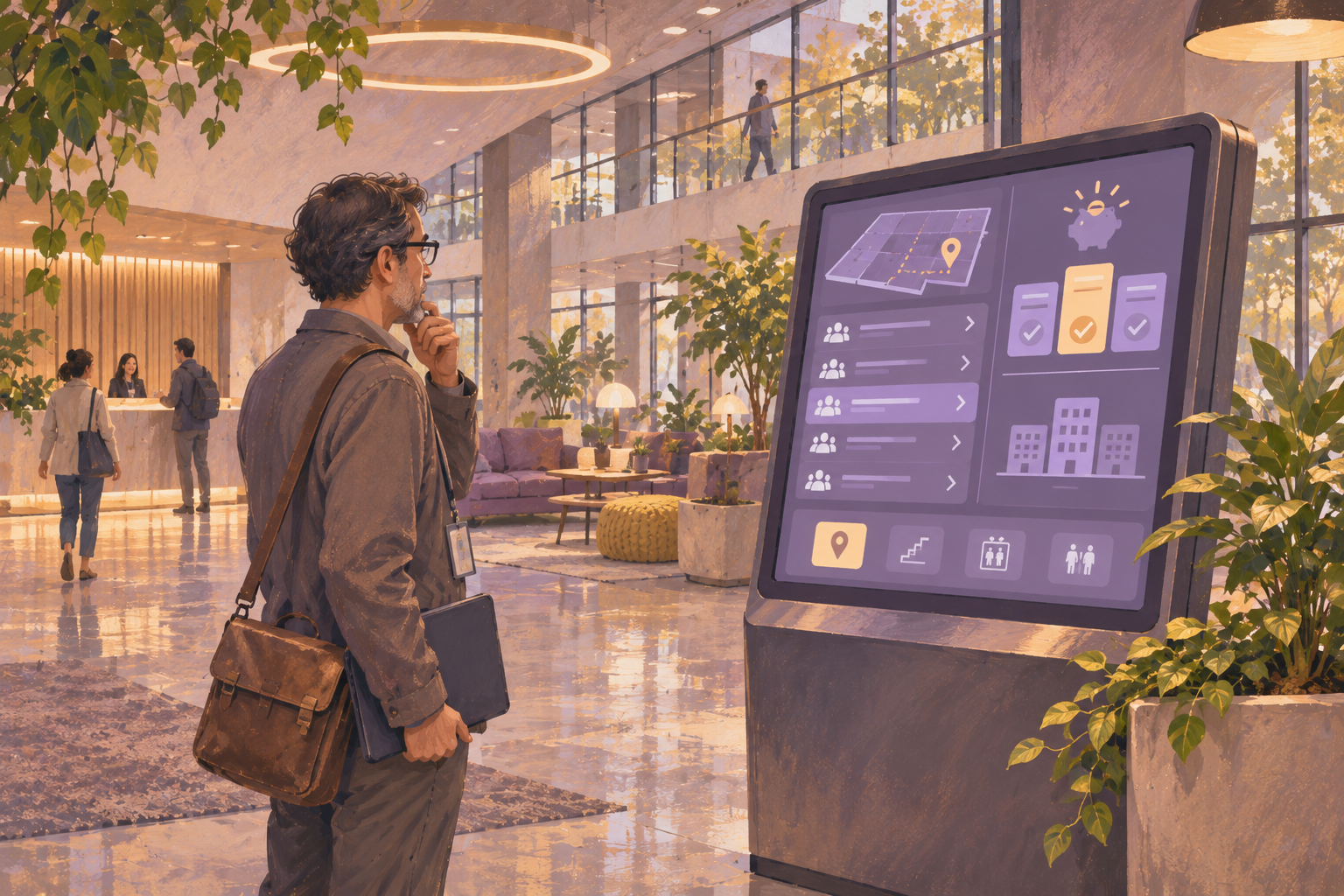
Budget a lobby tenant directory with a quote checklist, a software cost example, and a test to decide whether you need touchscreen search.
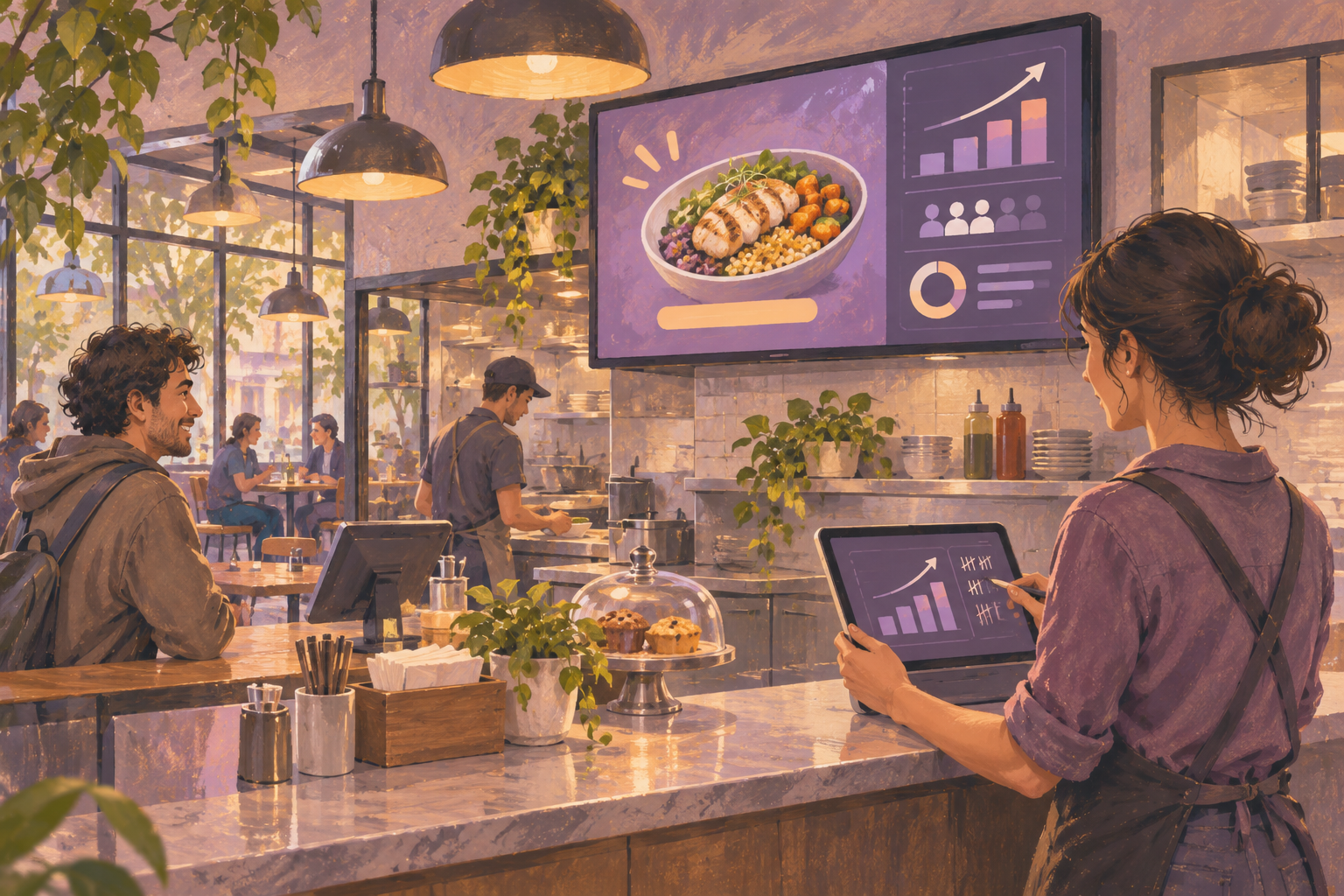
Run one offer on a restaurant screen and track what happens. Includes sample copy, a register tally, and a one-screen pilot.
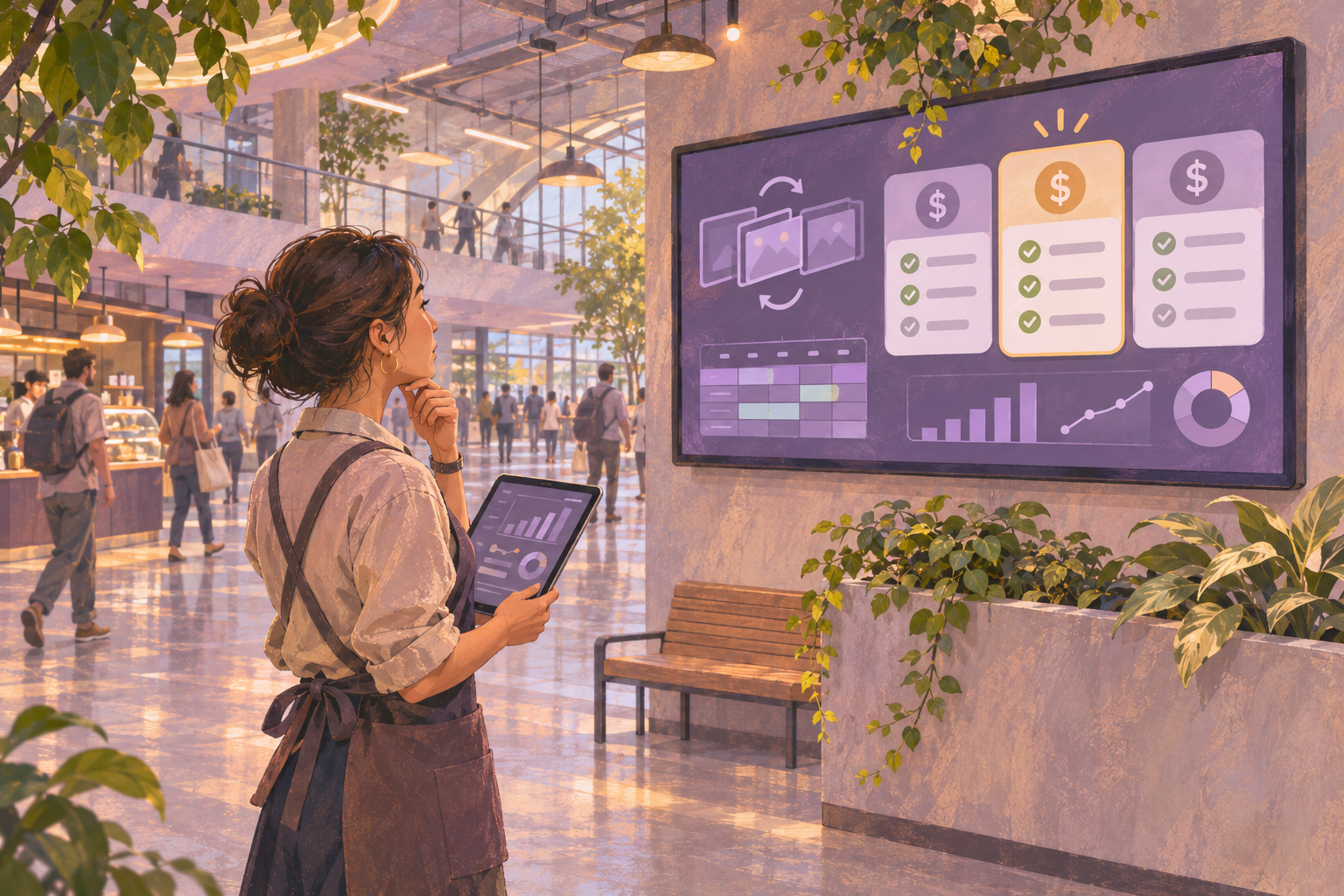
Compare digital signage ad rates by venue, rotation, contract term and reporting. Includes published price examples and a practical quote checklist.
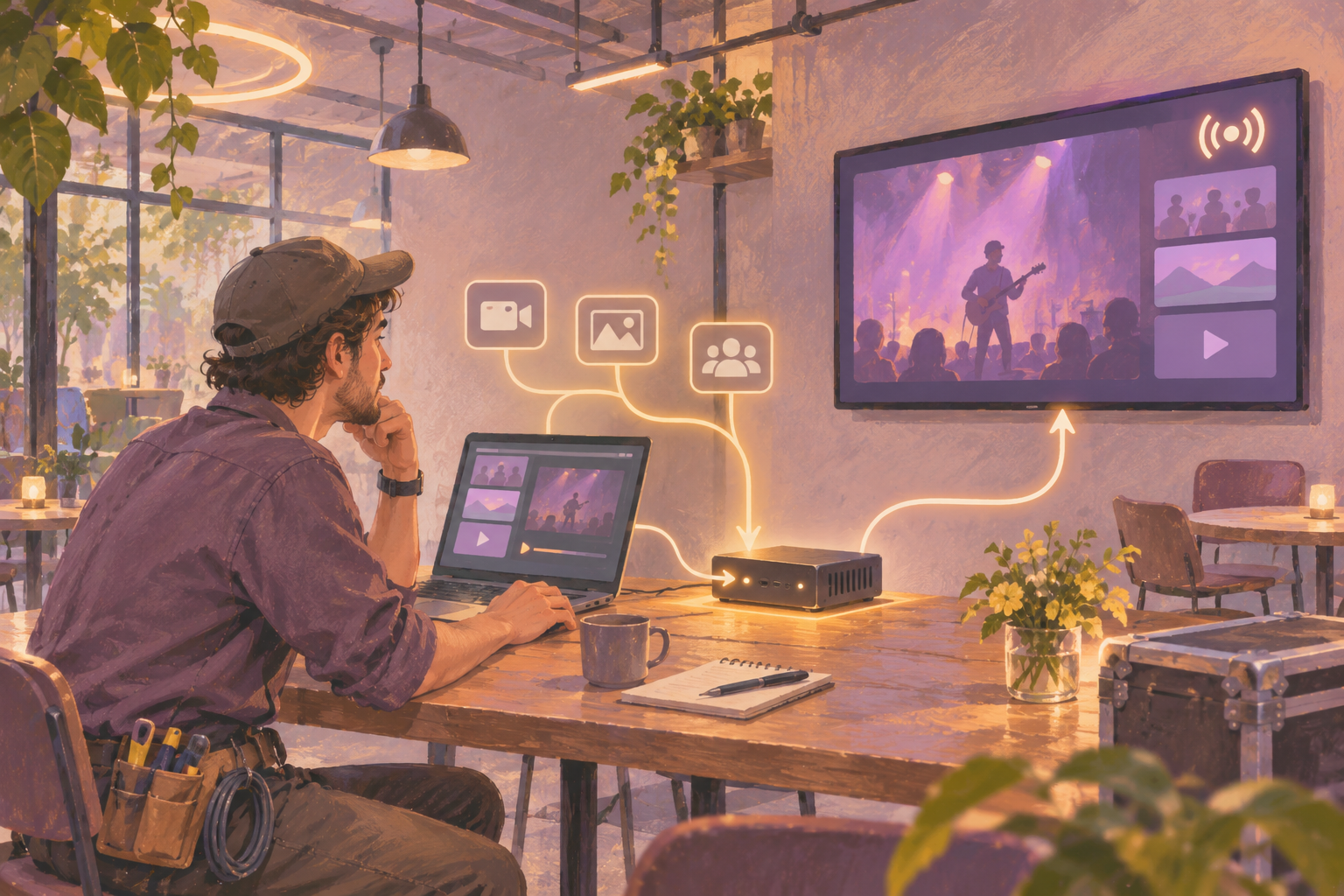
Choose the right live-video route for signage with an encoder vs player checklist, a venue example, and a practical compatibility test.
Learn how to set up digital signage using a TV, media player, and cloud software. Follow our step-by-step guide to get your first screen running.
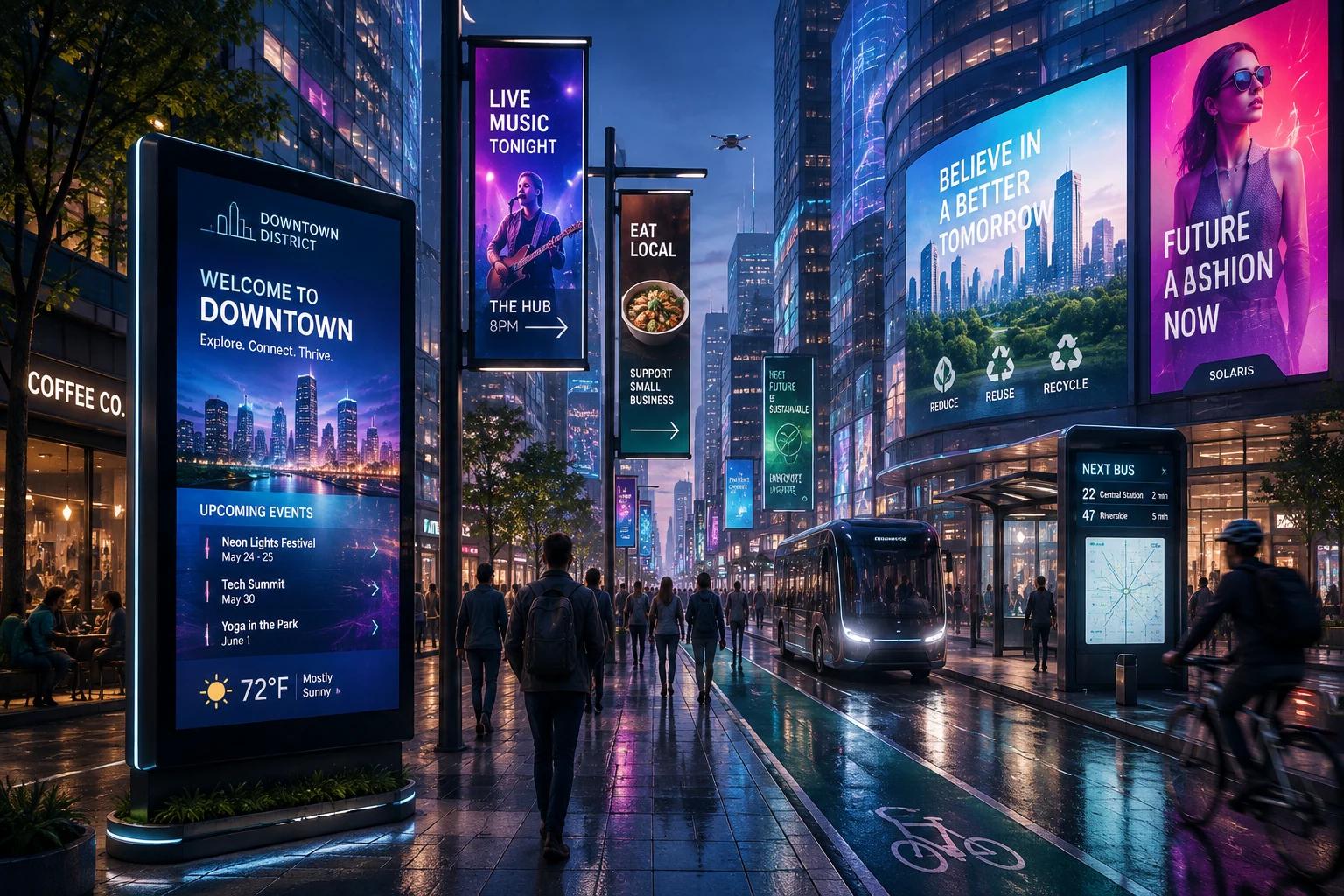
A brief synopsis of the future of digital signage based on the reality of how it's used today in practice.
Choosing menu board software? Learn what matters most for design, scheduling, pricing, and multi-location control without added complexity.
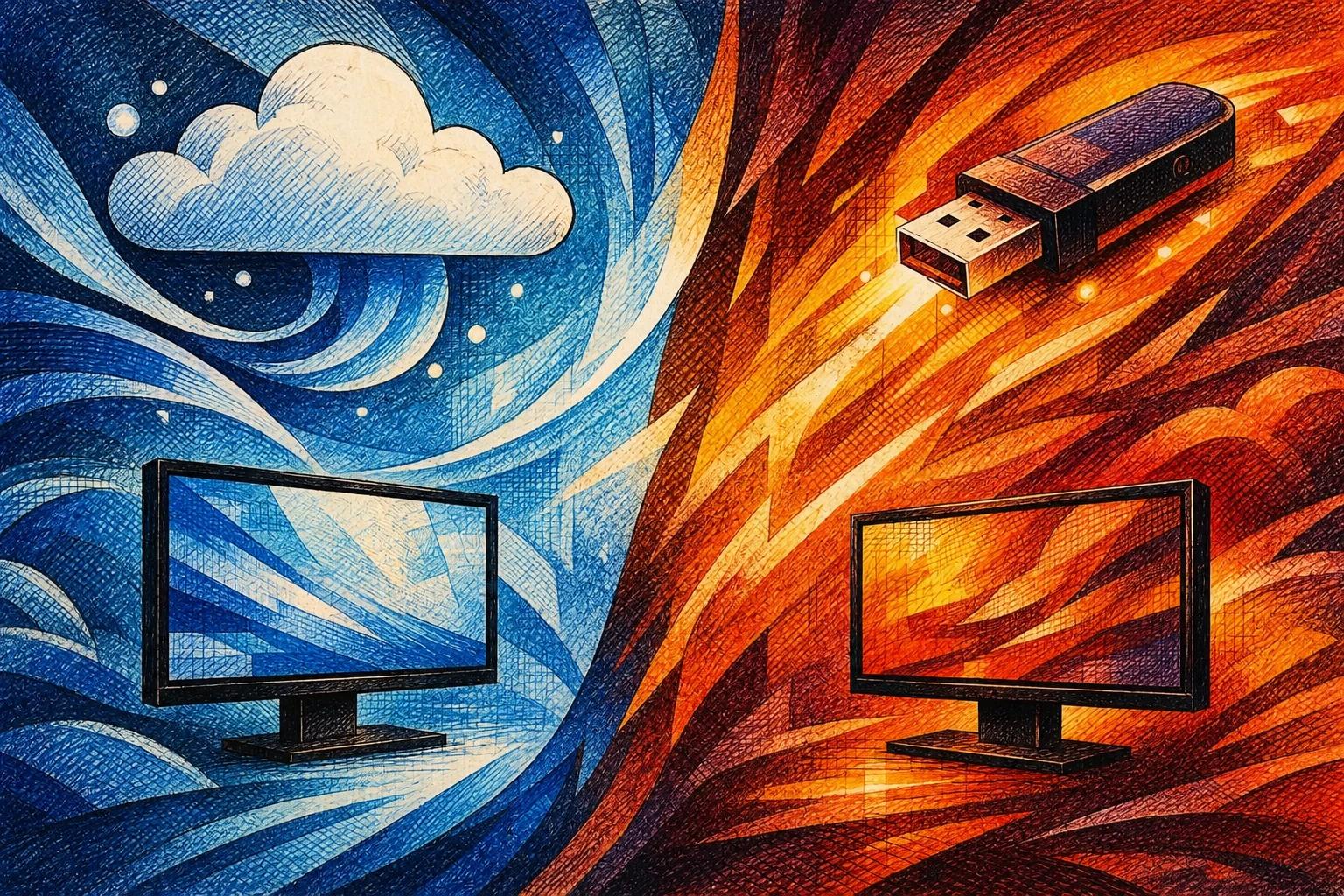
Cloud signage vs usb signage: compare cost, control, updates, and scalability to choose the right digital signage setup for your screens.
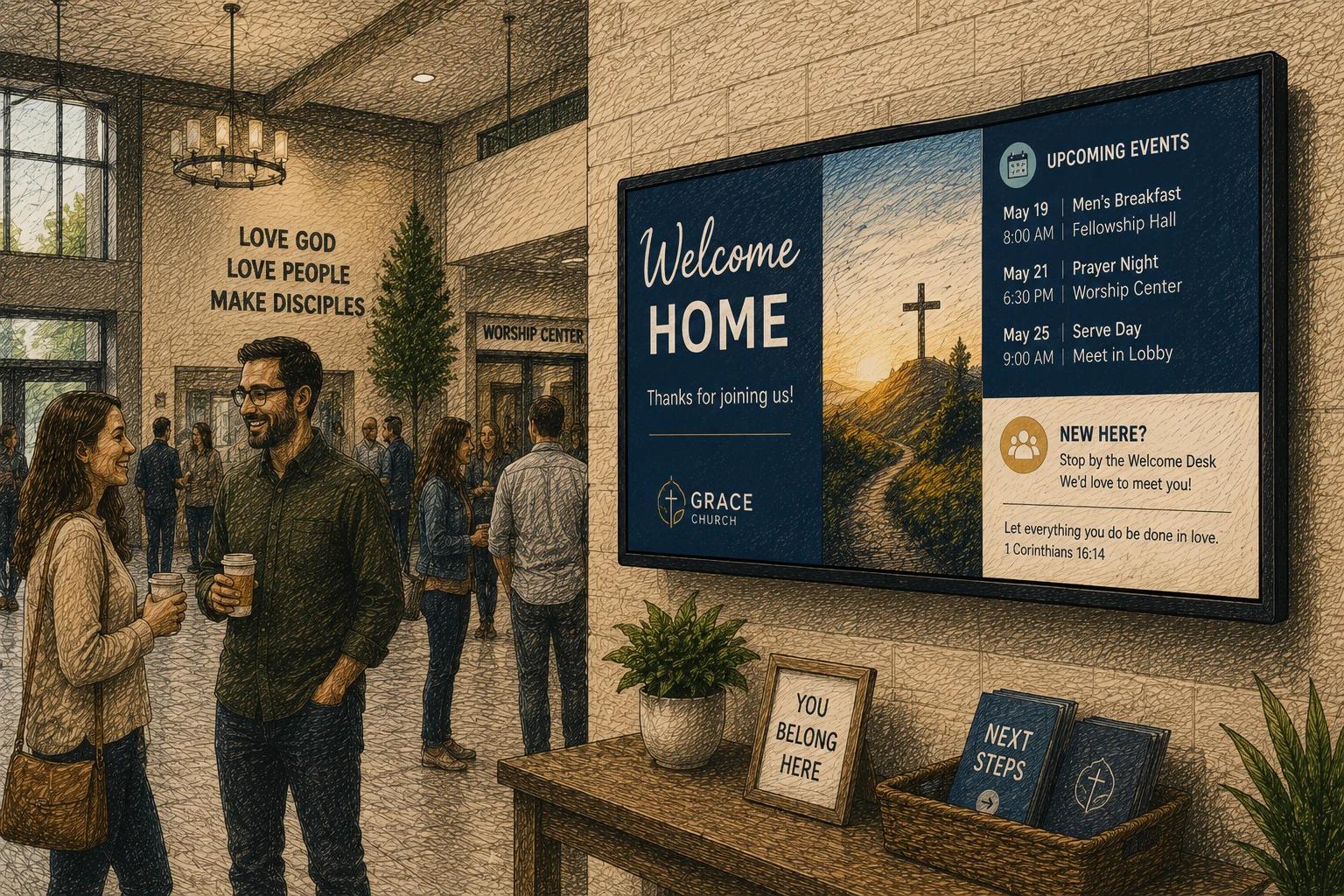
Compare the best church presentation software for worship slides, lyrics, video, and signage, with practical tips for choosing the right fit.
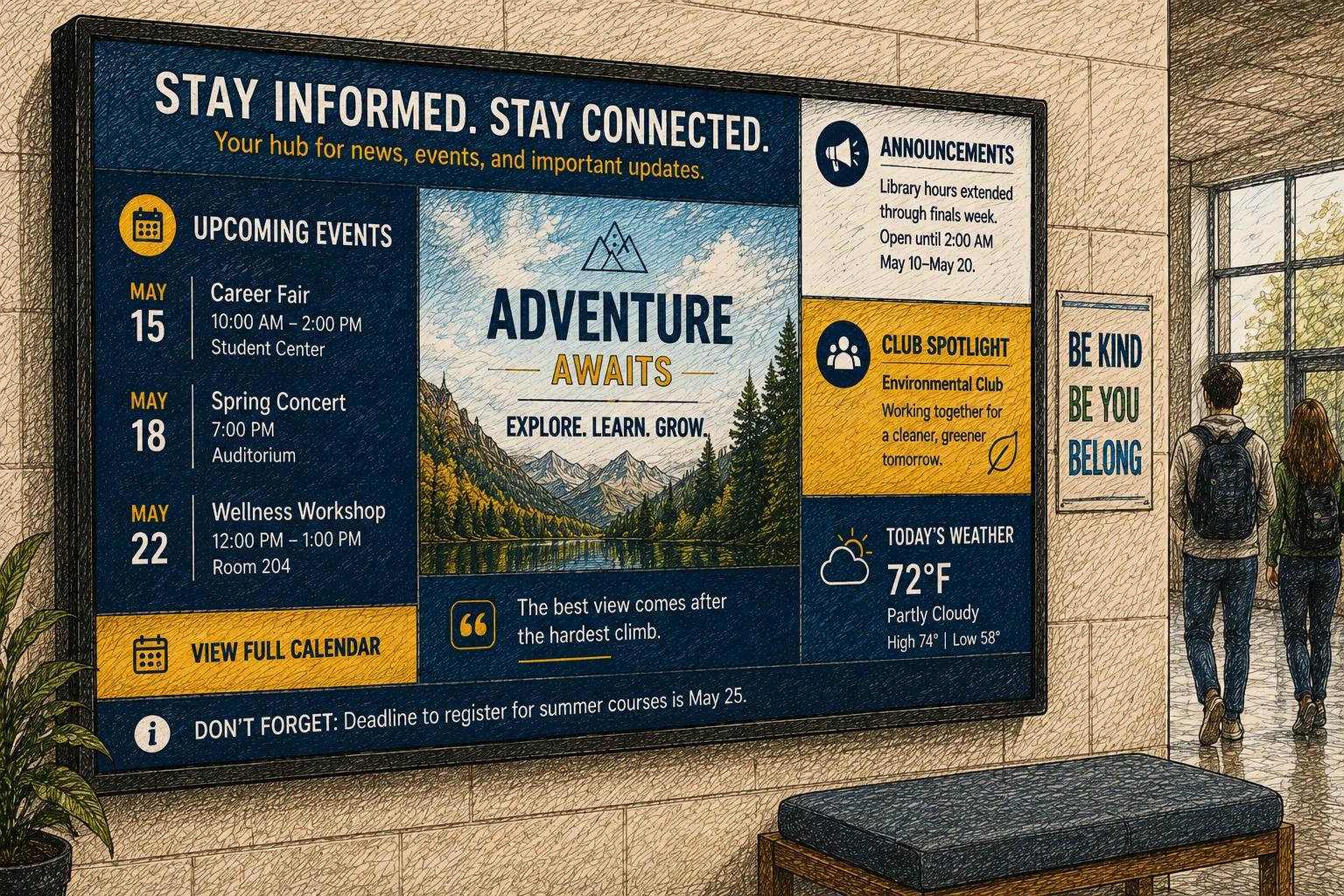
Digital bulletin boards help businesses, schools, and churches share timely updates, reduce manual work, and keep screen content fresh.
Canva vs signage software - learn where Canva works, where it falls short, and when dedicated digital signage tools save time at scale.
A practical digital signage setup guide for businesses, schools, and teams choosing screens, players, content, and rollout steps that last.

Learn how to build brand trust with clear messaging, consistent delivery, and better customer experiences that earn confidence over time.
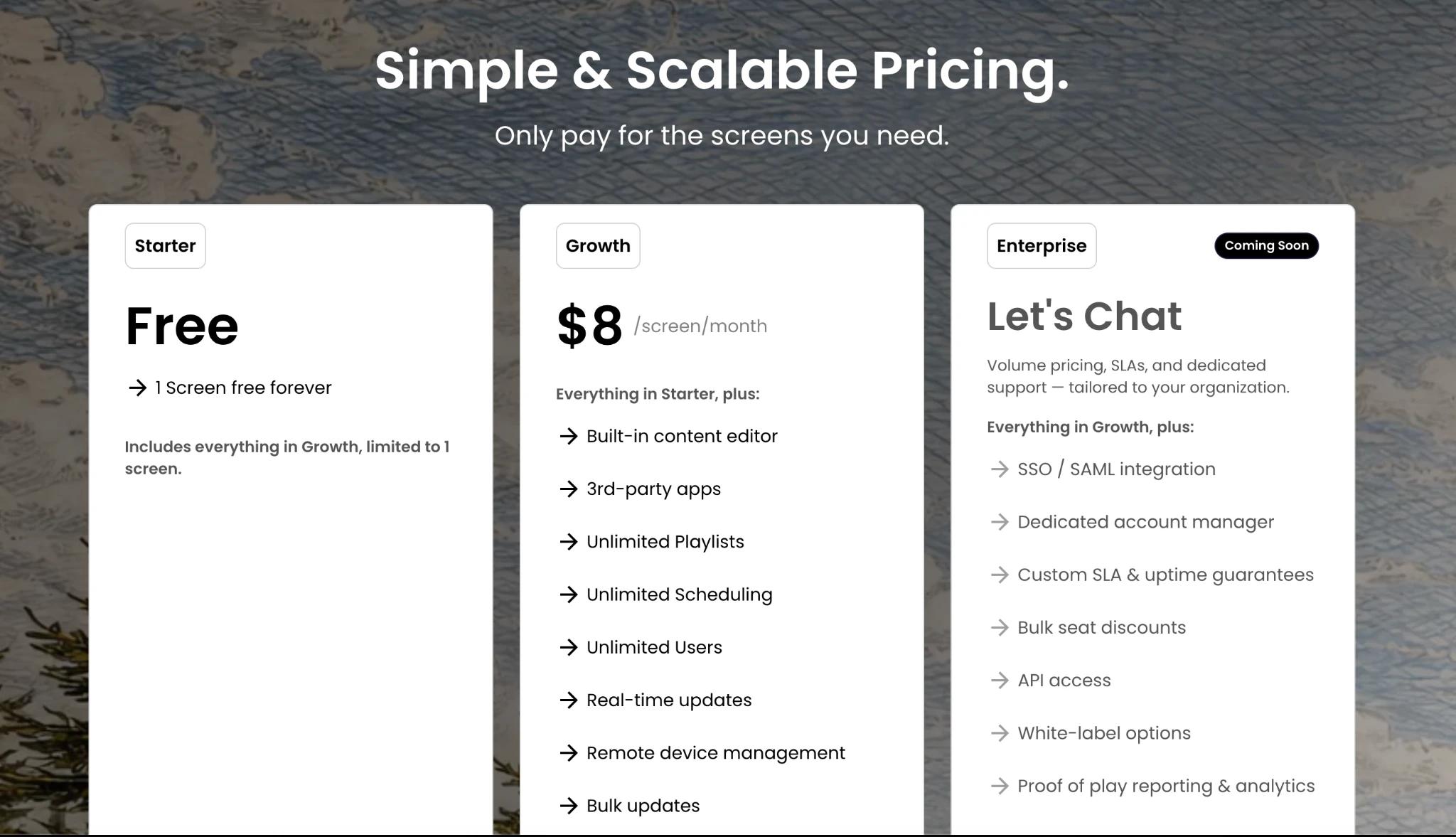
Find the best affordable digital signage for small businesses, schools, and multi-site teams with practical advice on cost, hardware, software, and fit.
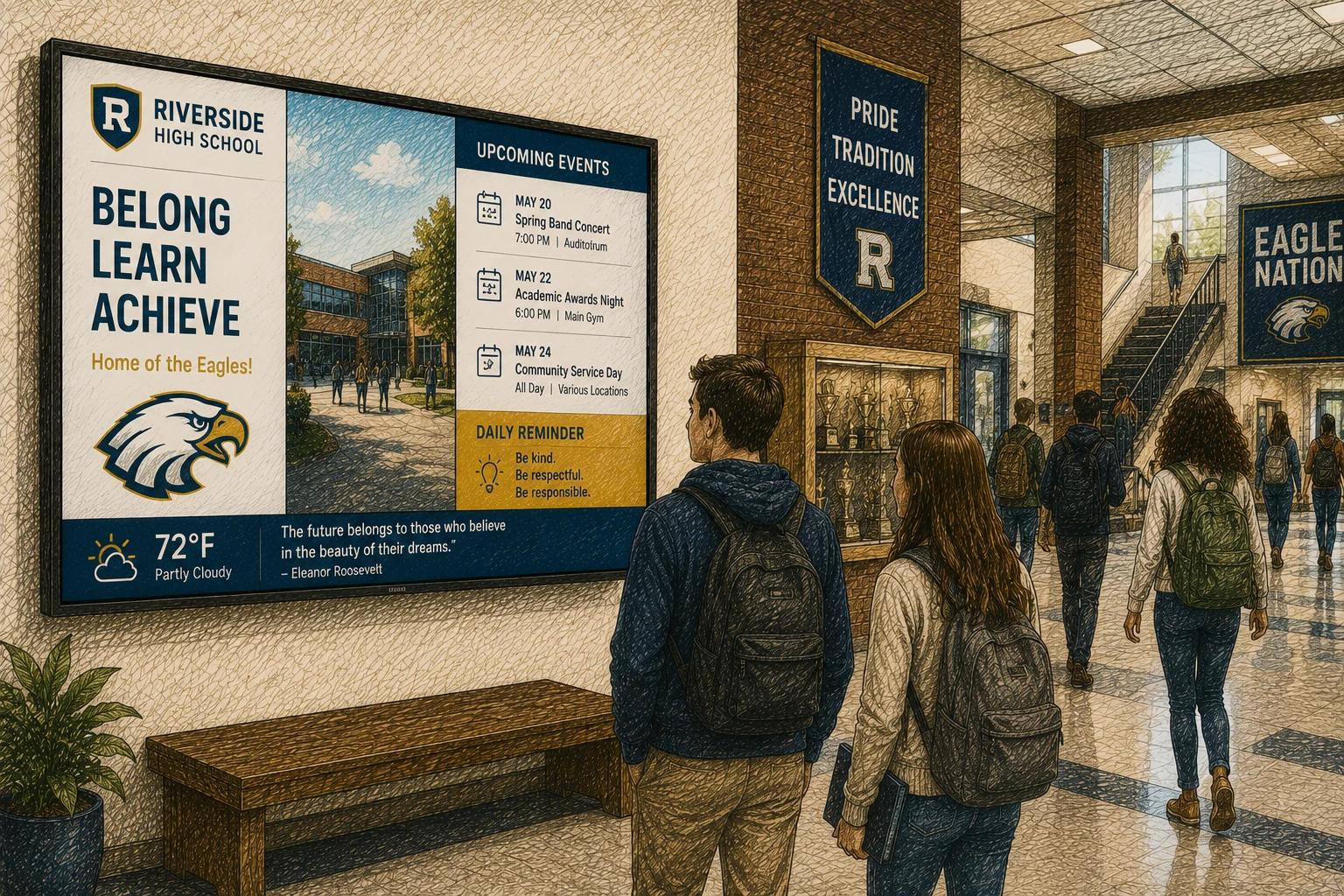
Learn how to choose school digital signage software that is easy to manage, affordable, secure, and useful for daily campus communication.
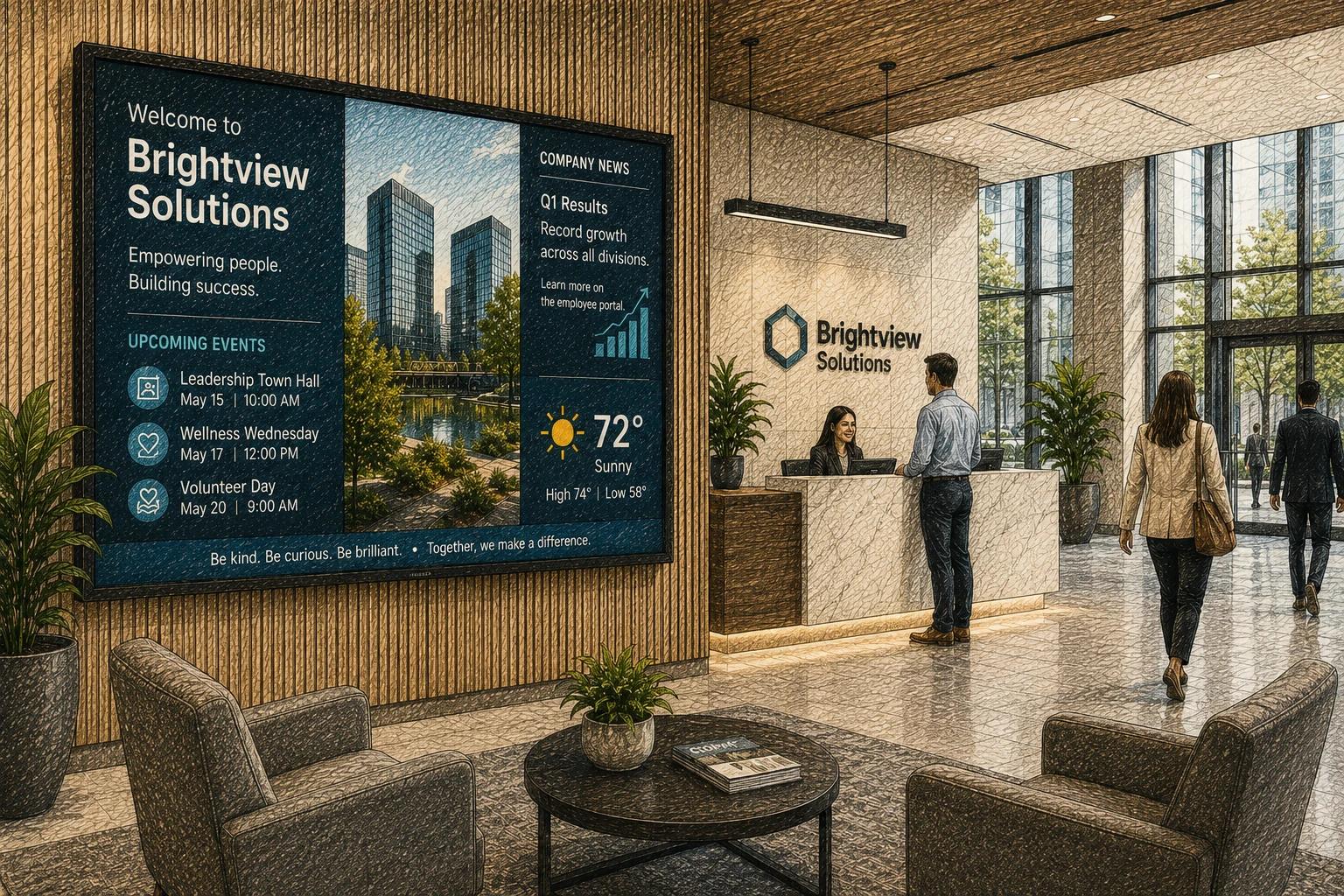
Office lobby screen management helps teams keep displays polished, timely, and useful across locations without adding daily admin work.
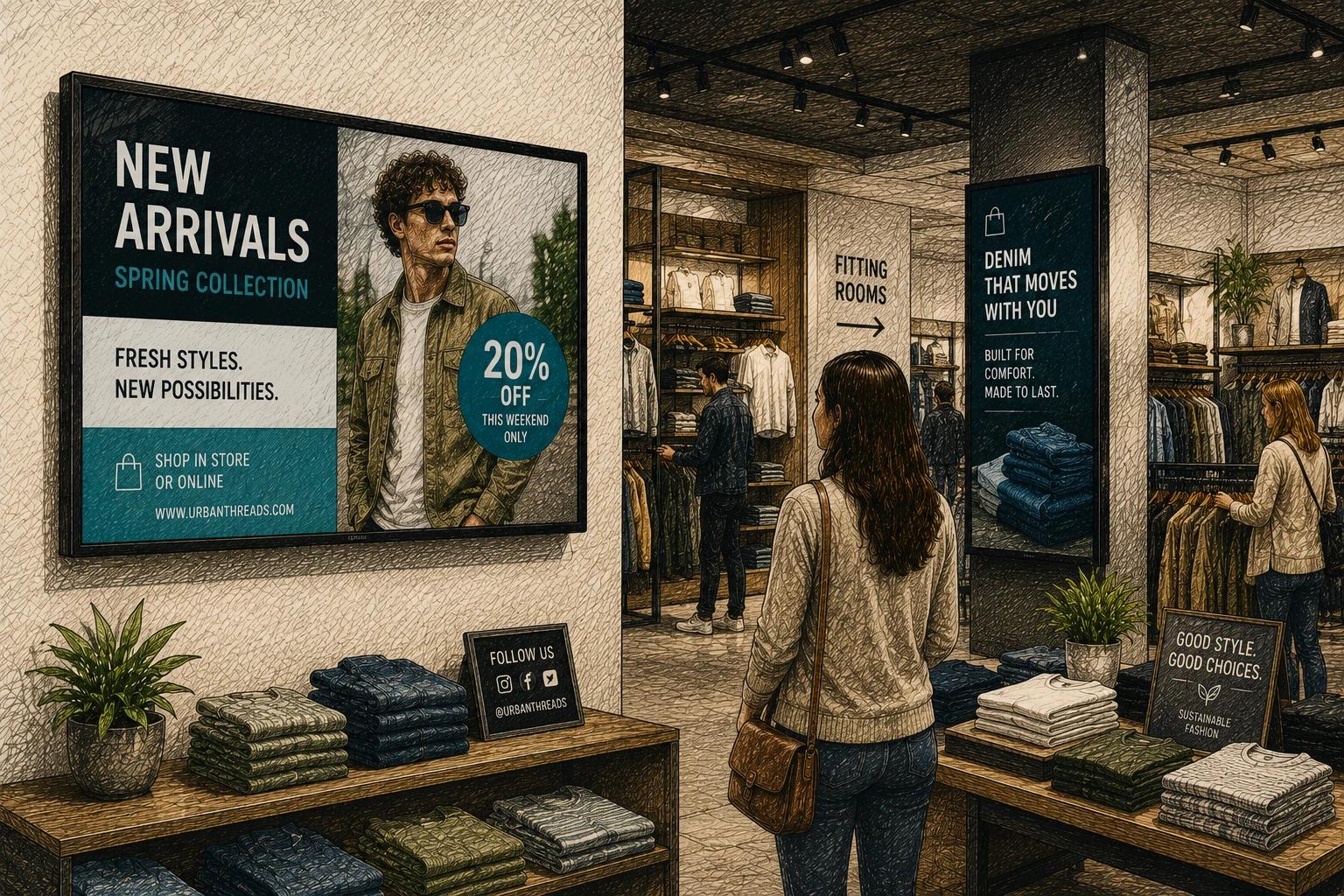
Retail promotional screen software helps stores update offers, automate campaigns, and keep every display on-brand across one or many locations.
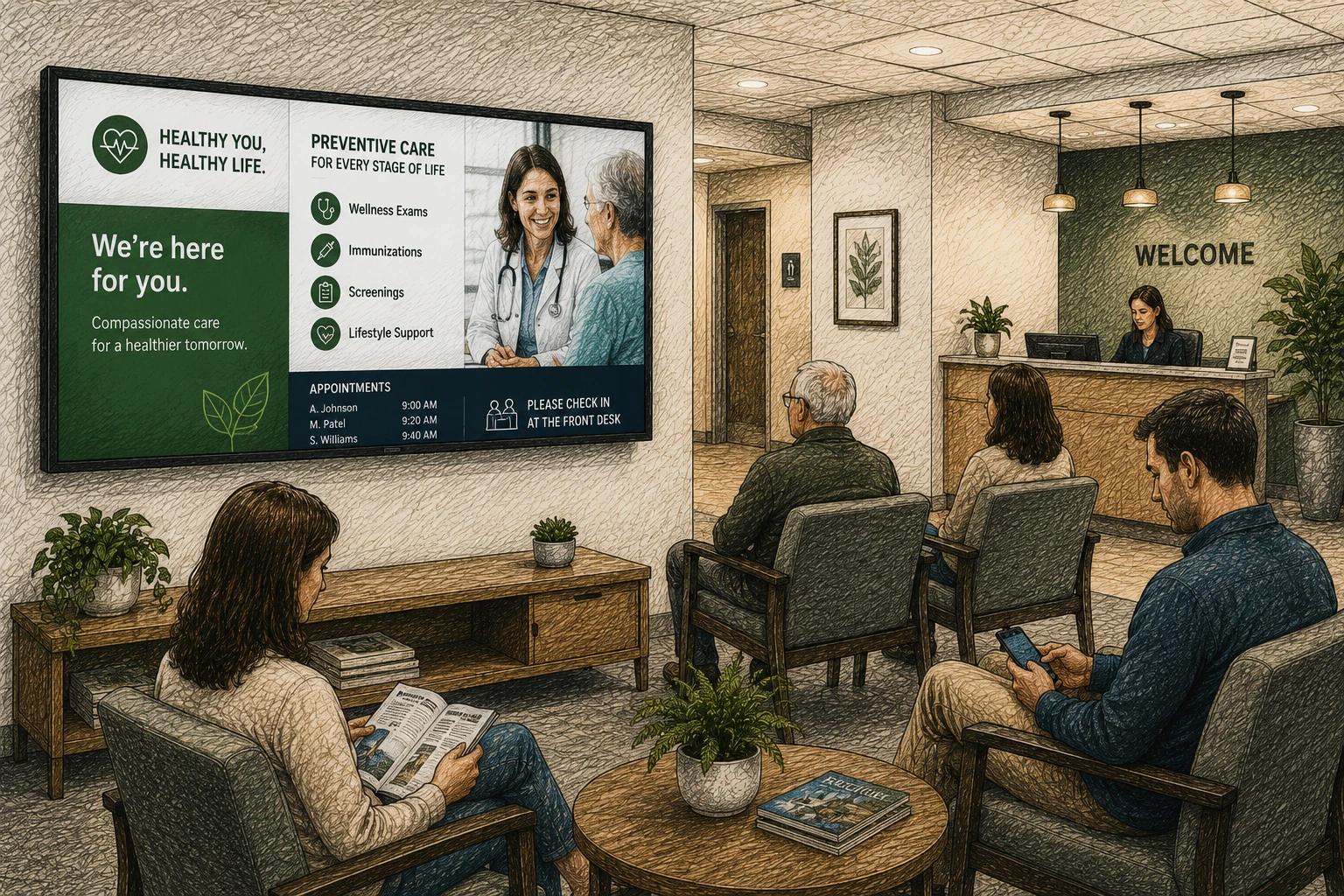
15 waiting room screen content ideas, plus clinic, auto shop, and office playlist examples with slide timings, layout tips, and setup steps.
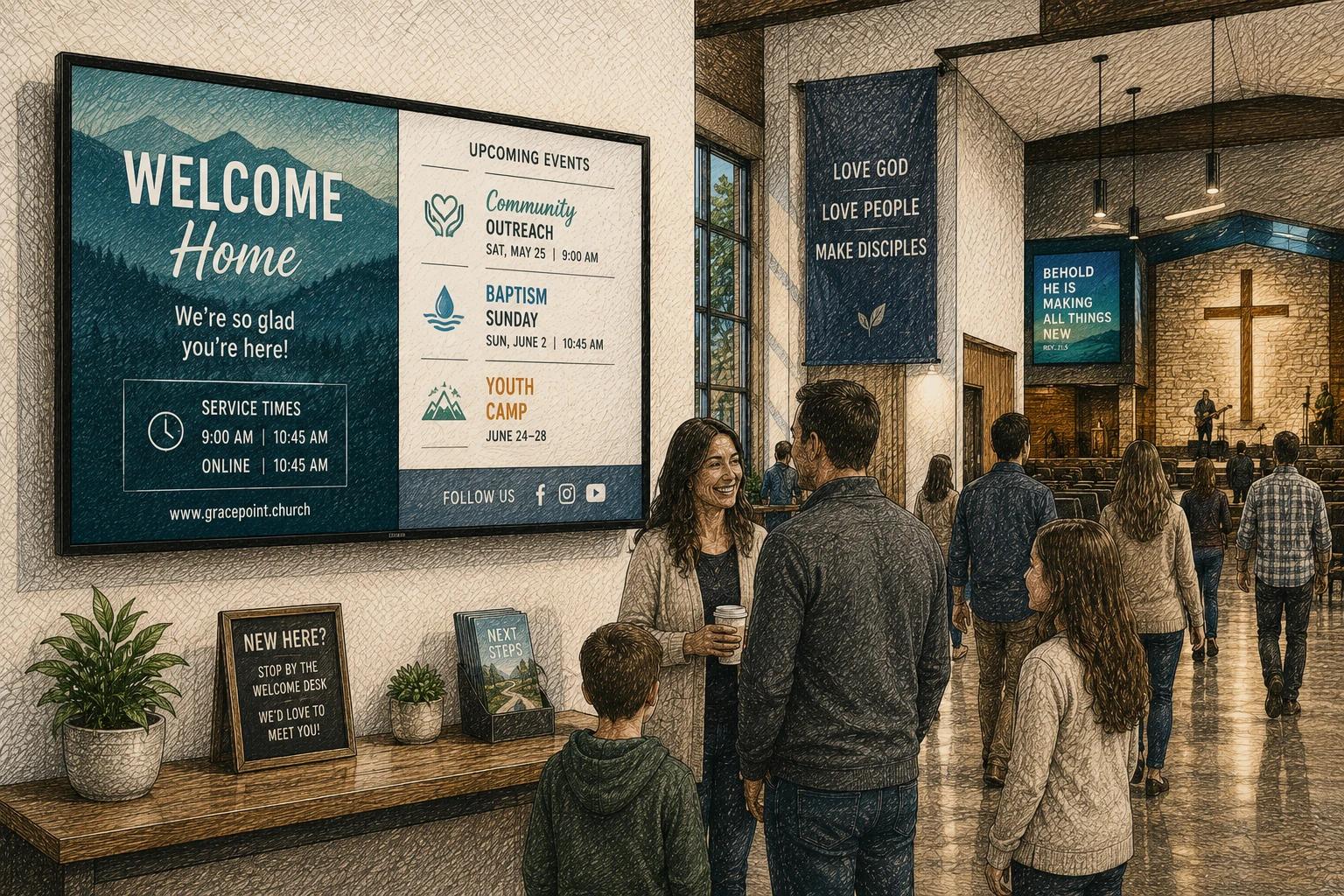
Learn how to choose church announcement screen software that keeps updates timely, easy to manage, and clear for every screen in your church.
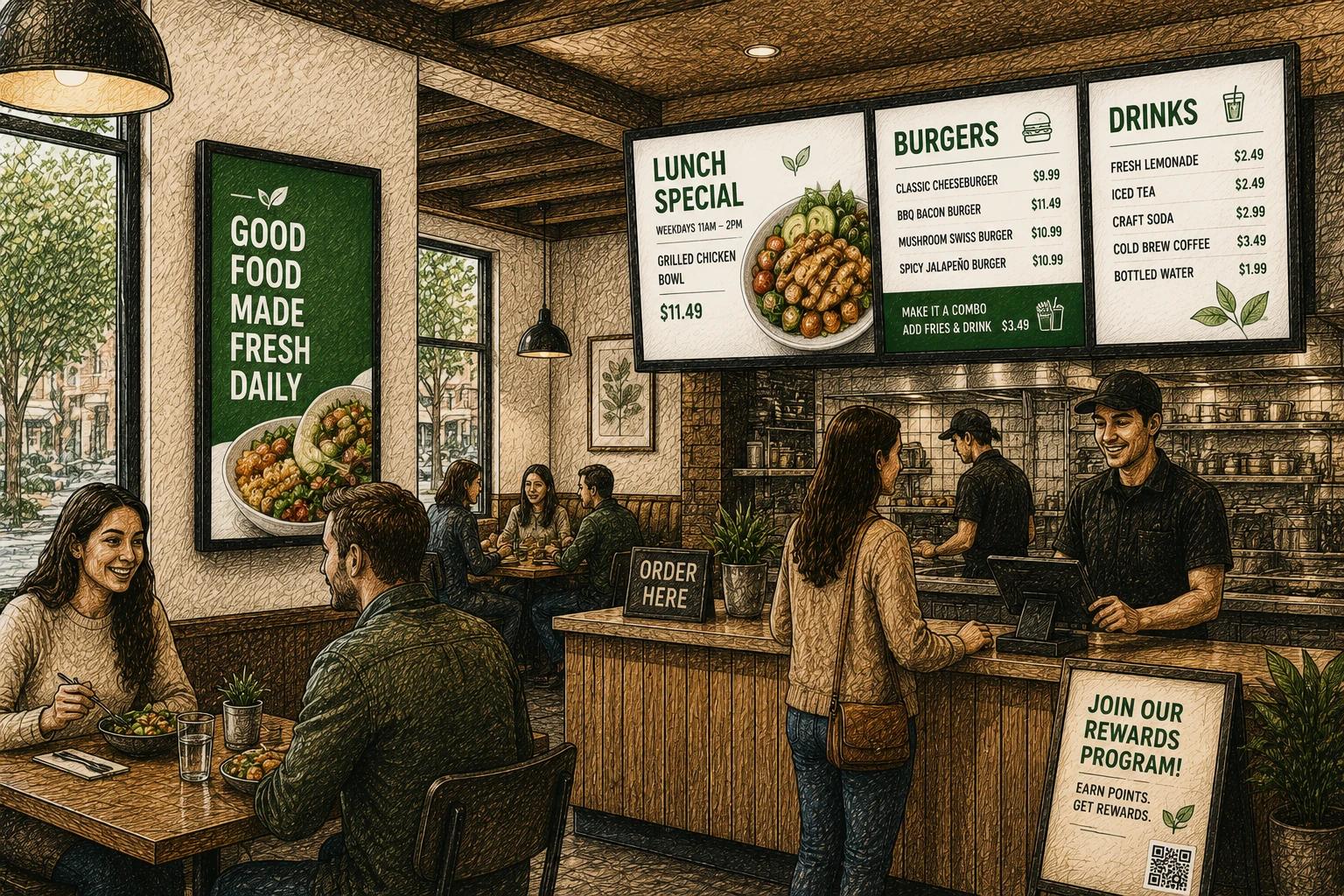
Restaurant digital menu board software helps teams update pricing, promos, and dayparts fast. Here’s what to look for before you choose.
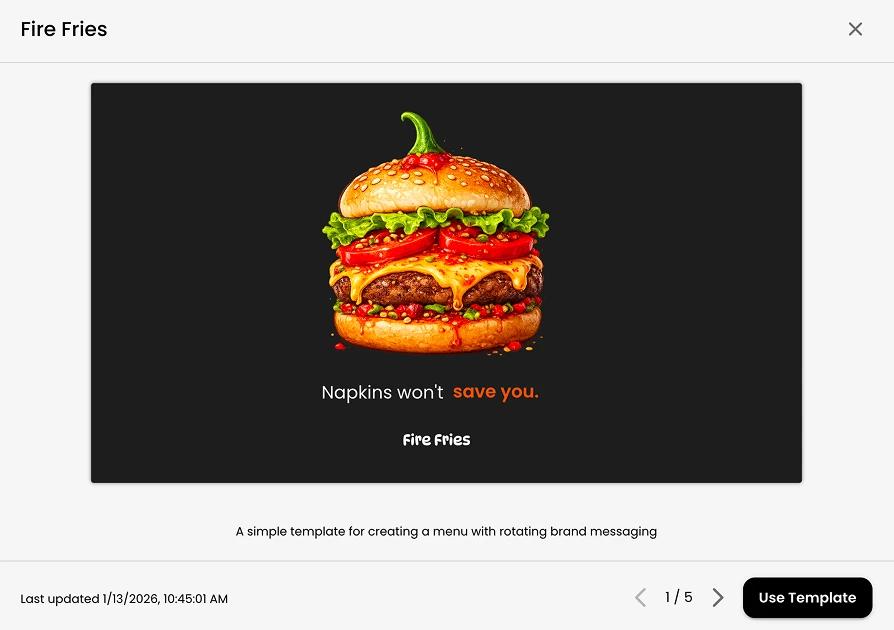
Learn how digital signage content templates save time, stay on-brand, and improve screen performance across retail, schools, churches, and more.
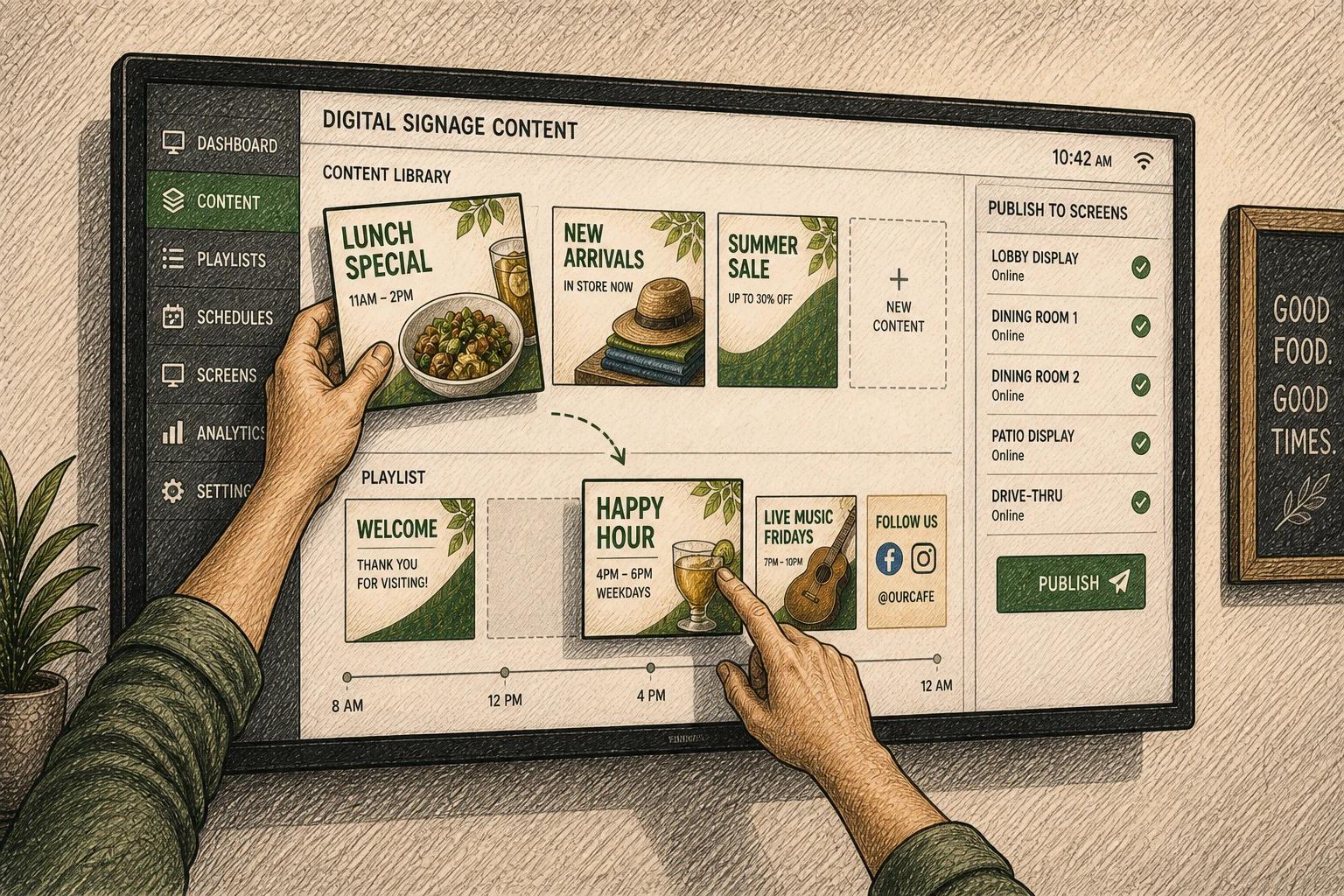
Self managing digital signage reduces manual updates by automating content, scheduling, and screen control across locations with less effort.
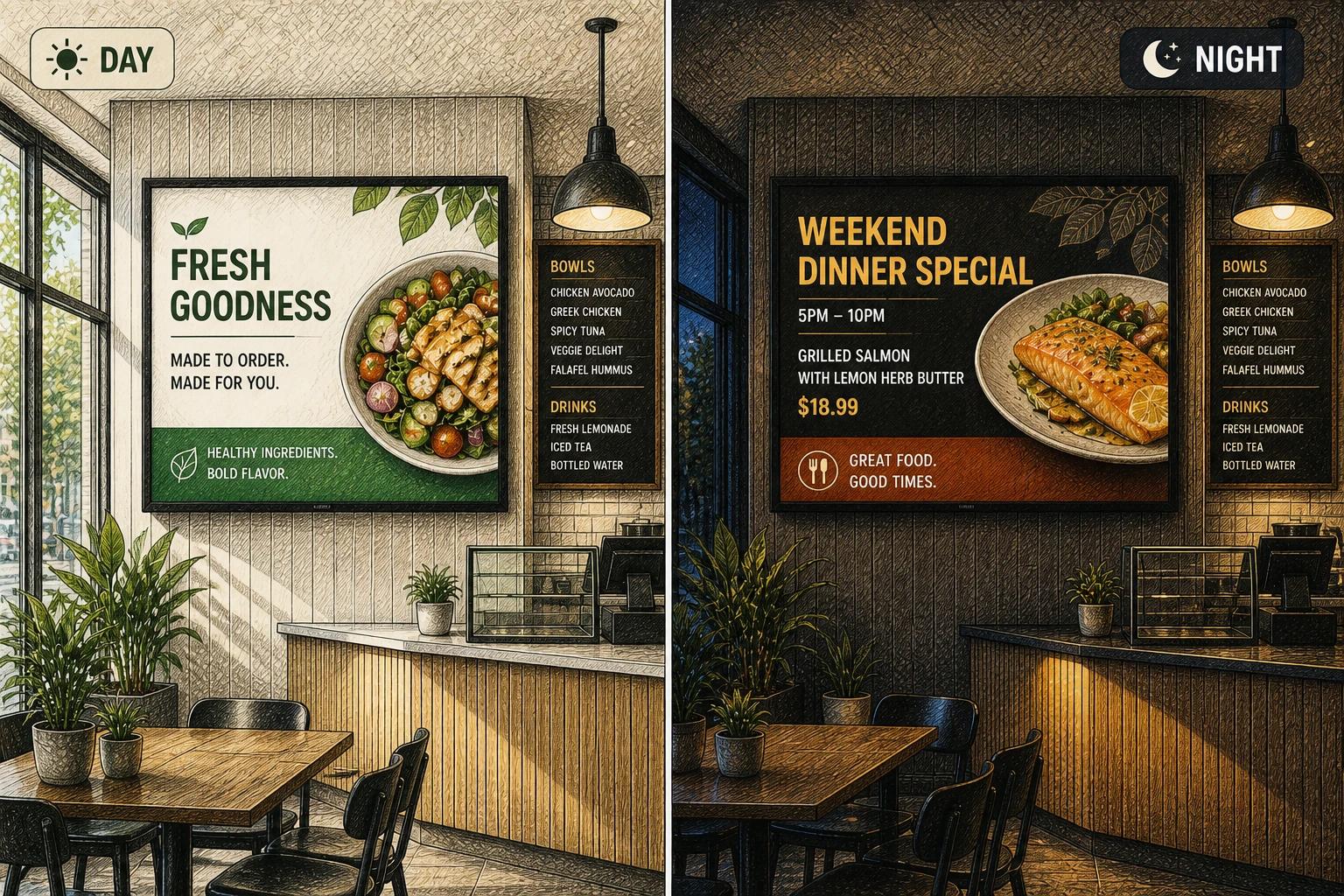
Learn how to automate digital signage with practical steps for scheduling, data feeds, triggers, and screen management across one or many locations.
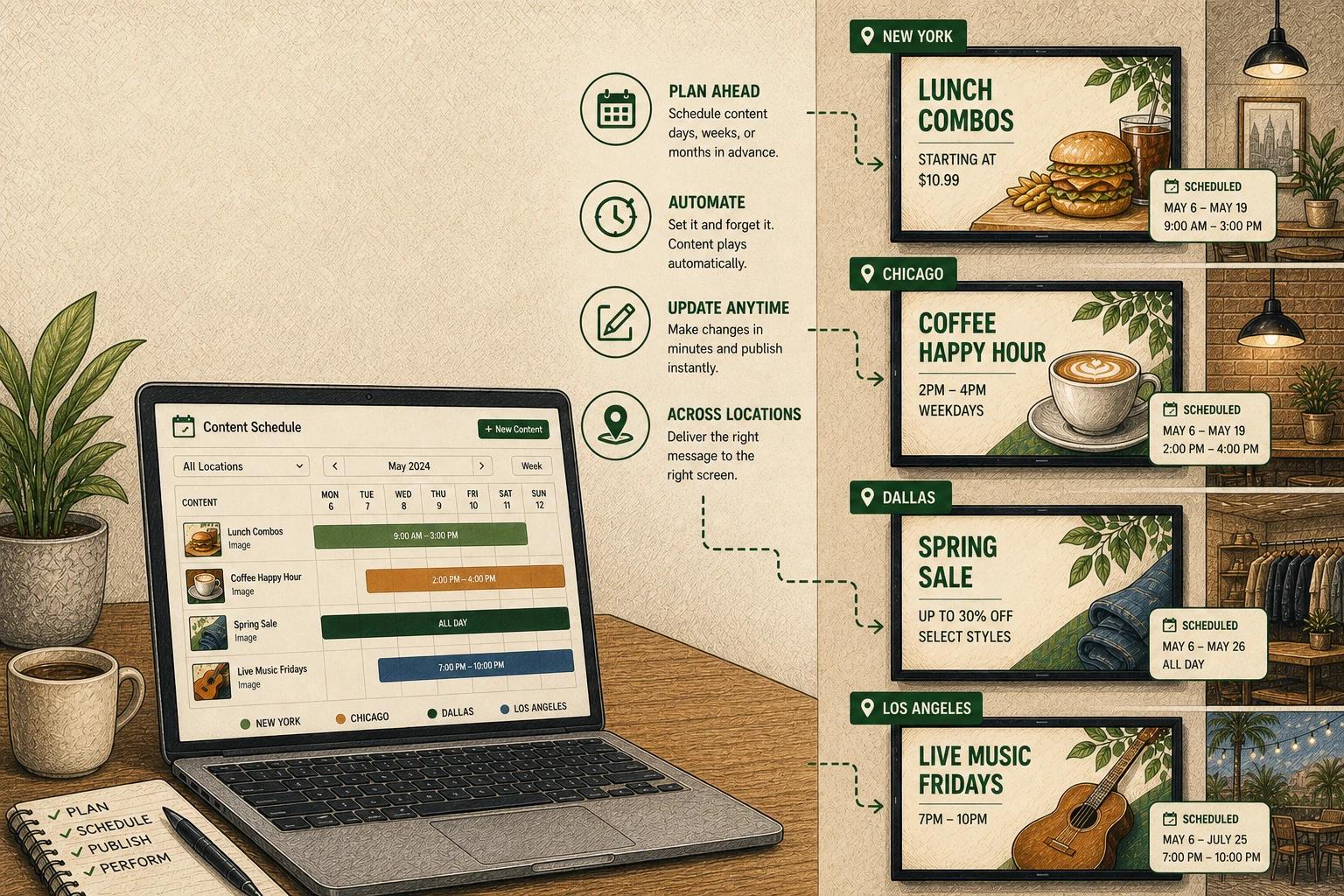
Digital signage content scheduling helps teams plan, automate, and update screens with less effort across locations while keeping messaging timely.
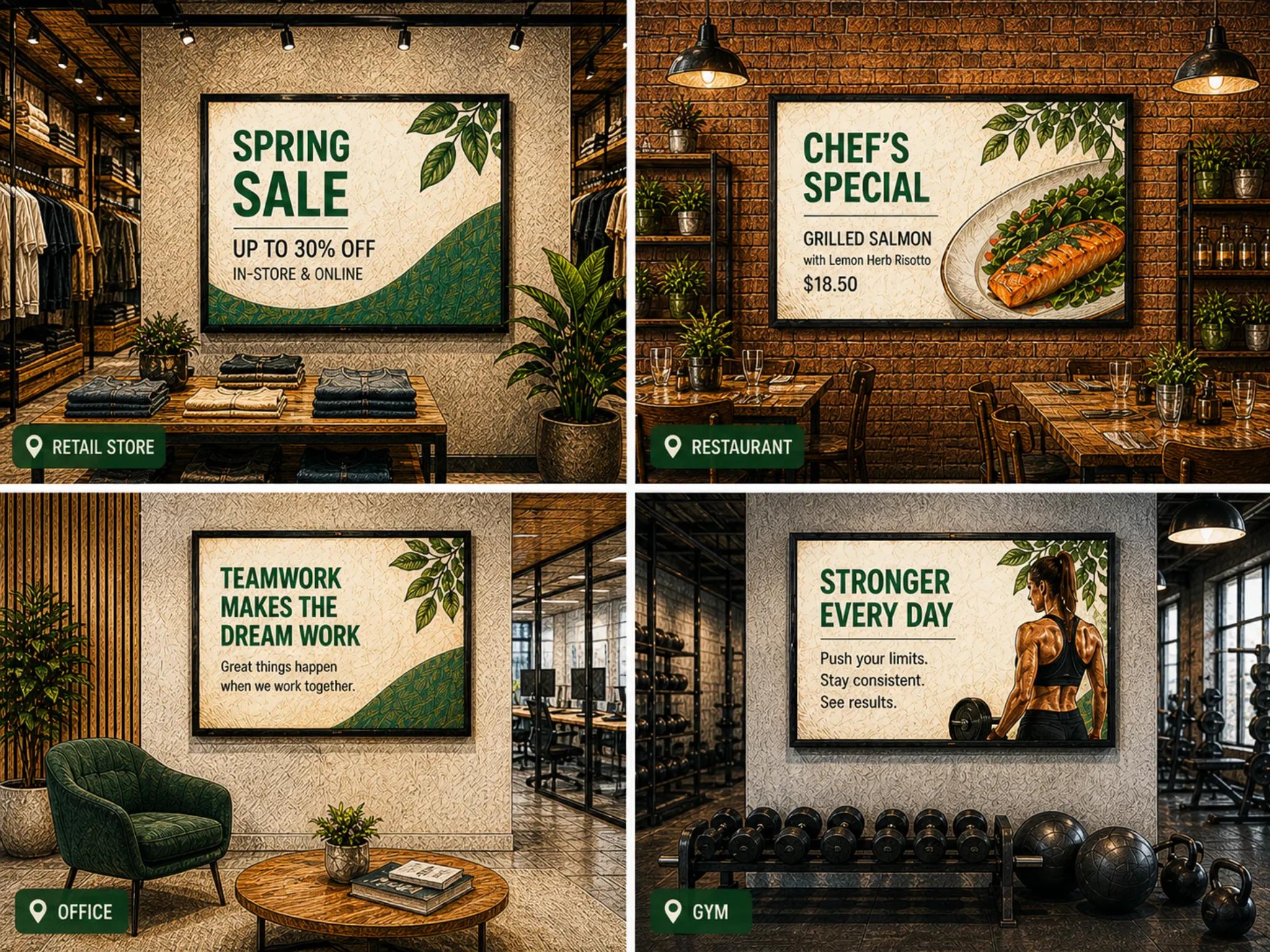
Multi location digital signage helps brands manage screens, content, and updates across every site with less effort and better consistency.

Digital signage for small business can boost sales, improve communication, and save time. Here's how to choose a setup that fits.
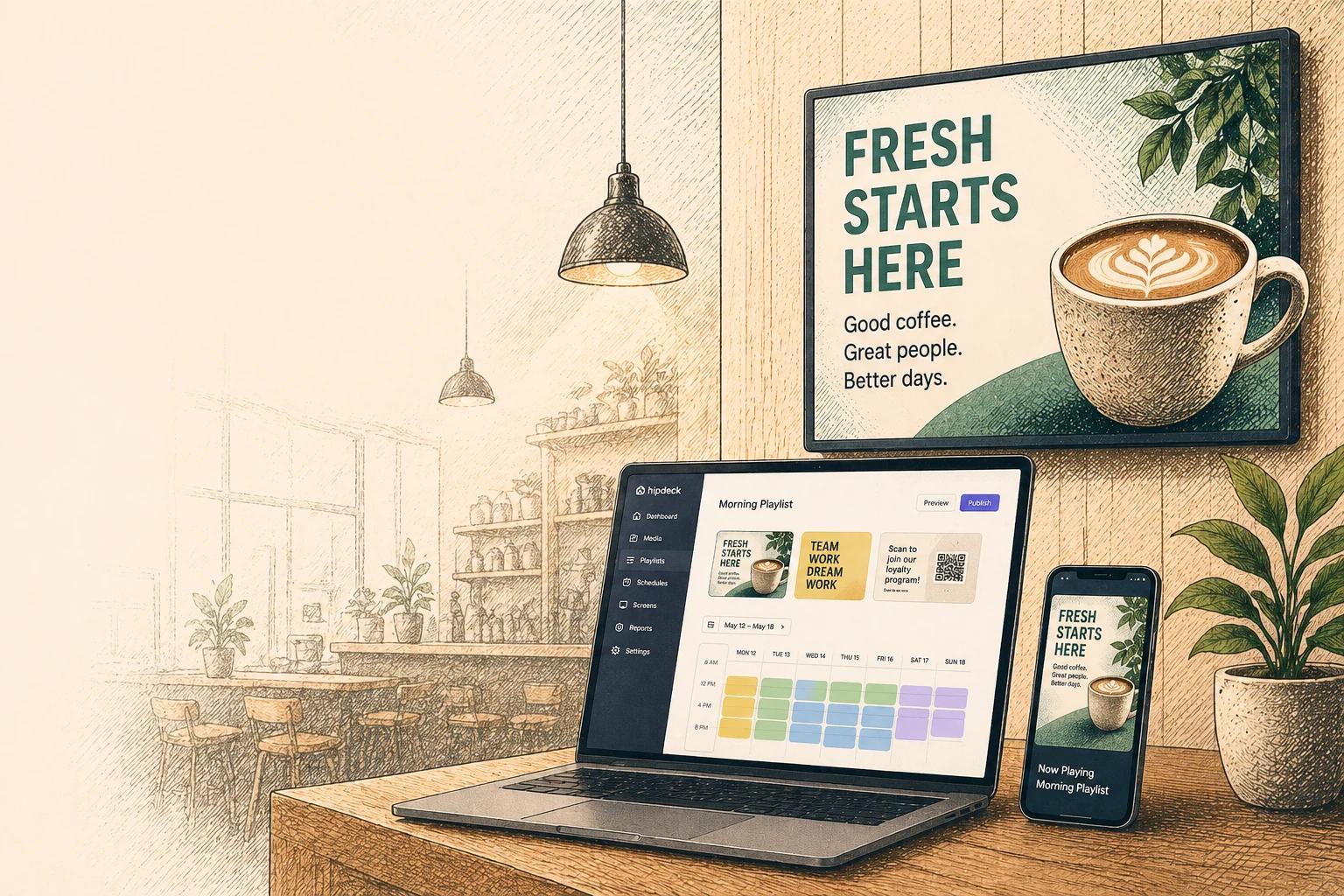
Digital signage software helps businesses create, schedule, and manage screen content with less effort. Here’s what actually matters.
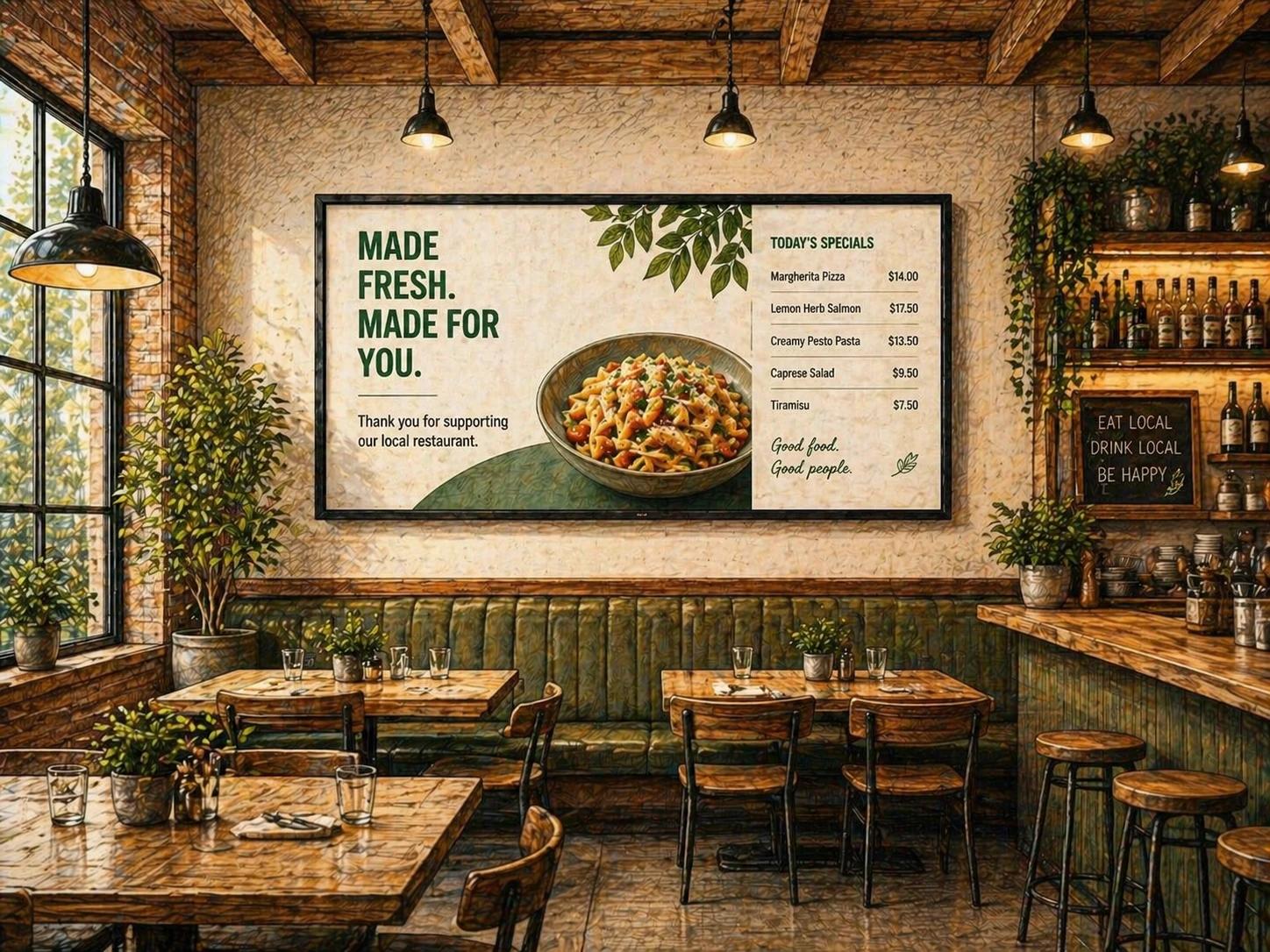
Learn how to set up restaurant digital signage, choose hardware, schedule menus, and budget for screens. Includes a practical café example and HipDeck pricing.
How to Set Up Digital Signage on Android (Step-by-Step Guide for 2026)
Digital signage for churches helps improve communication, increase engagement, and create a modern worship experience. Learn how to get started.
A simple explanation of digital signage and how it's used in business settings
A summary of the pros and cons of web-based digital signage, and why most businesses opt for web-based
Learn the difference between a TV that plays content and a digital signage system that manages it.
A straightforward explanation of digital signage software pricing
A brief summary of what you should look for in digital signage platforms in 2026
A practical guide to cloud and on-premise digital signage, including delivery, caching, outage recovery, governance, and a pilot checklist.
Amazon Fire TV digital signage is a popular and cost-effective solution for businesses that want to turn TVs into remotely managed digital displays. With devices like the Fire TV…
Set up digital signage on Android TV with HipDeck. Follow app installation, screen pairing, and publishing steps, plus fixes for playback and startup issues.
Digital signage has become a powerful way for businesses to communicate, promote, and engage — but understanding the real cost of digital signage isn’t always straightforward…
Digital signage explained: what it is, how it works, benefits, examples, and how businesses can get started with modern digital signage solutions.
Discover the top digital signage software providers, compare features, and find the best platform to manage and display content across your screens.
Discover how digital signage for churches helps engage congregations, share announcements, and inspire worship—powered by HipDeck’s simple display tools.
Transform your restaurant with digital signage. Boost sales, update menus instantly, and manage all screens easily with HipDeck.
Discover why digital signage is worth the investment in 2025—boost engagement, cut costs, and grow your brand with smart, scalable displays.
Digital signage has quickly moved from “nice-to-have” to “must-have” in schools, healthcare facilities, retail stores, and workplaces across the world. In 2025, it’s one of the…
Digital signage is everywhere in 2025. Walk into a school, a hospital, an office lobby, or your favorite coffee shop, and chances are you’ll be greeted by a glowing display…
Not too long ago, “digital signage” meant a flat screen looping PowerPoint slides in a lobby. Fast-forward to 2025, and it has become one of the most versatile communication and…
Walk into almost any high school in 2025, and you’ll see it: glowing screens in hallways, cafeterias, lobbies, and gyms. Digital signage has become one of the most visible shifts…