Ten stores looked polished at launch. By store eleven, the cracks usually start showing. One location is still running last month’s promo, another has a stretched image on the lobby screen, and the district manager is texting photos because nobody knows who changed what. That is where multi location digital signage stops being a nice upgrade and starts becoming operational infrastructure.
For growing organizations, the challenge is rarely getting screens installed. The hard part is keeping content accurate, timely, and consistent across different sites without turning every update into a manual project. Whether you manage restaurants, retail stores, campuses, clinics, or churches, the real value of digital signage at scale comes from control. Not rigid control that slows everyone down, but practical control that lets you manage brand standards centrally while still giving local teams room to stay relevant.
What multi location digital signage actually needs to solve
A single-screen setup is mostly a design problem. A multi-site setup is a coordination problem.
Once screens are spread across several locations, the questions change. Who owns the message? Which updates should go to every screen, and which ones should only appear in one city or one department? How do you make changes quickly without relying on IT every time? Those are not edge cases. They are the daily realities that shape whether a signage system feels useful or frustrating.
Good multi location digital signage should make three things easier at the same time. First, it should protect consistency. Brand colors, layouts, offers, announcements, and campaign timing need to stay aligned. Second, it should support local relevance. A school campus may need one district-wide message and a separate message for each building. A franchise may need one national promotion with different pricing by market. Third, it should reduce the work involved in keeping screens current.
If a platform handles only one of those well, you will feel the gap quickly. Centralized control without flexibility becomes bottlenecked. Local flexibility without guardrails becomes messy. Easy design without good distribution becomes a scheduling headache.
The hidden cost of managing screens location by location
Many organizations start with a patchwork approach because it seems manageable early on. One person updates a few screens manually. A local manager plugs in a USB drive. A marketing team sends out files by email. It works until it does not.
The problem is not only the time required. It is the inconsistency that creeps in when every location has its own process. Offers expire at different times. Emergency messages are delayed. Event slides vary in quality. Staff lose trust in the screens because the information is not dependable, and once that happens, the screen becomes decor instead of a communication tool.
There is also a cost to overcomplication. Some enterprise platforms were built for teams with dedicated admins, long setup cycles, and rigid workflows. That may suit a massive rollout with specialized support, but it often creates friction for small and midsize operators. If publishing content requires training, approvals, and too many clicks, people stop using the system the way it was intended.
That is why simplicity matters more as your footprint grows, not less. At scale, every extra step multiplies.
How to structure content across multiple locations
The most effective setups usually follow a layered model. A central team controls the content that should appear everywhere, while local teams can update approved sections that reflect their site’s needs.
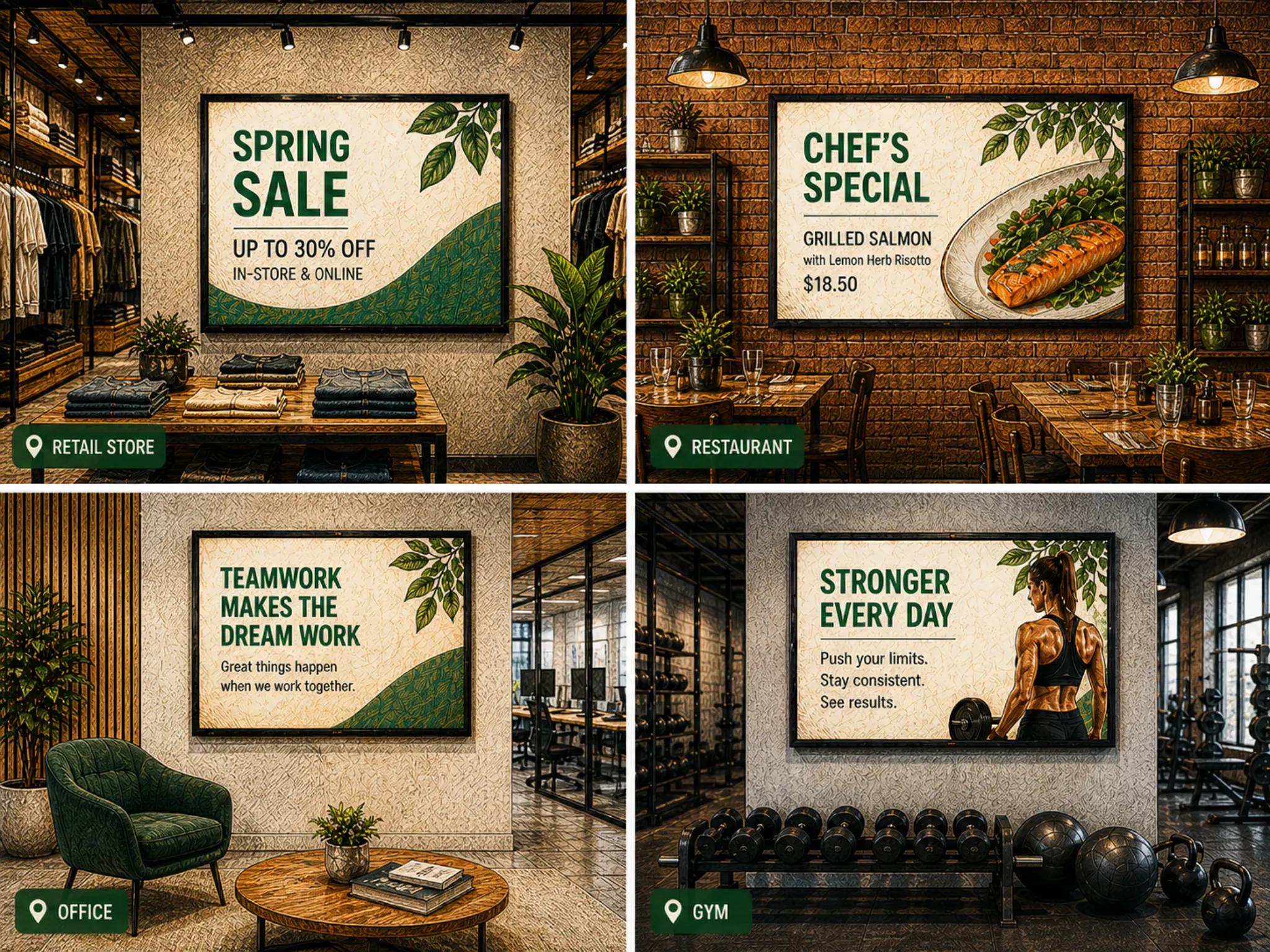
In practice, that might mean a restaurant group pushes national promotions, brand videos, and menu layouts across all screens, while each location updates store hours, staffing notices, or community events. A healthcare group might standardize patient education and compliance messaging, while individual clinics manage provider schedules or local service announcements.
This structure works because it matches how organizations already operate. Leadership sets the shared message. Local teams handle the context. Digital signage should support that split cleanly.
Centralized control without losing local relevance
The phrase sounds simple, but it depends on having the right permissions, templates, and scheduling rules. You want corporate teams to lock down core branding where it matters, while allowing controlled edits in designated content zones or playlists.
Templates are especially useful here. Instead of asking every location to design from scratch, you create repeatable layouts that look professional by default. Local teams then swap text, images, or data without breaking the design. That keeps quality high and reduces the need for constant oversight.
Scheduling needs to reflect real operations
Multi-site organizations rarely run on one universal calendar. Different time zones, business hours, events, and customer patterns all affect what should be shown and when.
A strong scheduling setup accounts for those differences without forcing you to build every playlist manually. You may want breakfast menus in one region, lunch promotions in another, and holiday messaging only in specific markets. You may also need content to expire automatically so outdated promotions do not linger after a campaign ends.
This is where automation starts to matter. Not flashy automation for its own sake, but useful automation that removes repetitive work and lowers the chances of human error.
Why integrations matter more in multi location digital signage
As the number of screens grows, static content alone becomes harder to maintain. Pulling in live or connected data can keep screens useful without requiring constant manual edits.
That could mean showing Google reviews in a lobby, menu data in a restaurant, event calendars in a school, dashboards in an office, or announcement feeds in a church. The benefit is not only convenience. Integrated content tends to stay fresher, and fresh content earns more attention.
Still, it depends on the use case. Not every screen should be packed with dynamic widgets. In some settings, simple and clear is better. A waiting room display with five moving data sources can distract more than it informs. The goal is not to add more content. It is to reduce maintenance while improving relevance.
What different teams need from the same system
One reason multi-site signage projects stall is that buyers often evaluate software from only one angle. Marketing wants visual control. Operations wants consistency. IT wants reliability and low overhead. Local managers want speed and autonomy. The right system has to work across all four.
For marketing, that means content should be easy to create and update without a design bottleneck. For operations, rollout across locations should be organized and repeatable. For IT, device management should be lightweight and dependable. For local teams, the experience should feel intuitive enough that making a quick update is not a stressful task.
When a platform misses one of those audiences, adoption slips. The software may still be technically capable, but capability is not the same thing as practical fit.
Choosing a platform for multi location digital signage
The best choice often comes down to how your organization prefers to work. If you have a large internal technical team and highly customized workflows, a more complex system may be justified. If you need speed, clarity, and easier day-to-day management, a simpler platform is usually the better long-term decision.
Look closely at how locations, users, and content are organized. Can you group screens by region, department, or brand? Can you publish one campaign to many sites while excluding a few? Can local staff update only what they should? Can content be scheduled once and reused across the network? These details shape the real administrative load.
It also helps to think beyond setup. Most organizations do not struggle in month one. They struggle in month six, when teams are busy, campaigns are stacking up, and the person who originally configured everything is focused on other priorities. A good platform should still feel manageable then.
This is where a modern approach stands out. Tools like HipDeck are built around the idea that digital signage should be easier to run, not harder, as your network grows. That means practical publishing, cleaner content workflows, and enough automation to keep screens current without adding enterprise heaviness.
The real measure of success
For multi-site operators, success is not just having content on every screen. It is knowing the right content is showing in the right place at the right time, without draining your team.
That can show up in different ways. Maybe promotions launch faster. Maybe district managers stop chasing outdated screens. Maybe local staff actually use the system because it feels clear. Maybe customers get a more consistent brand experience from one location to the next. Those outcomes matter more than feature counts.
The best multi location digital signage setup does not ask your organization to become more technical. It gives you a cleaner way to manage communication at scale, with enough structure to stay consistent and enough flexibility to stay useful. If your screens are going to support growth, they should reduce complexity, not add another layer of it.