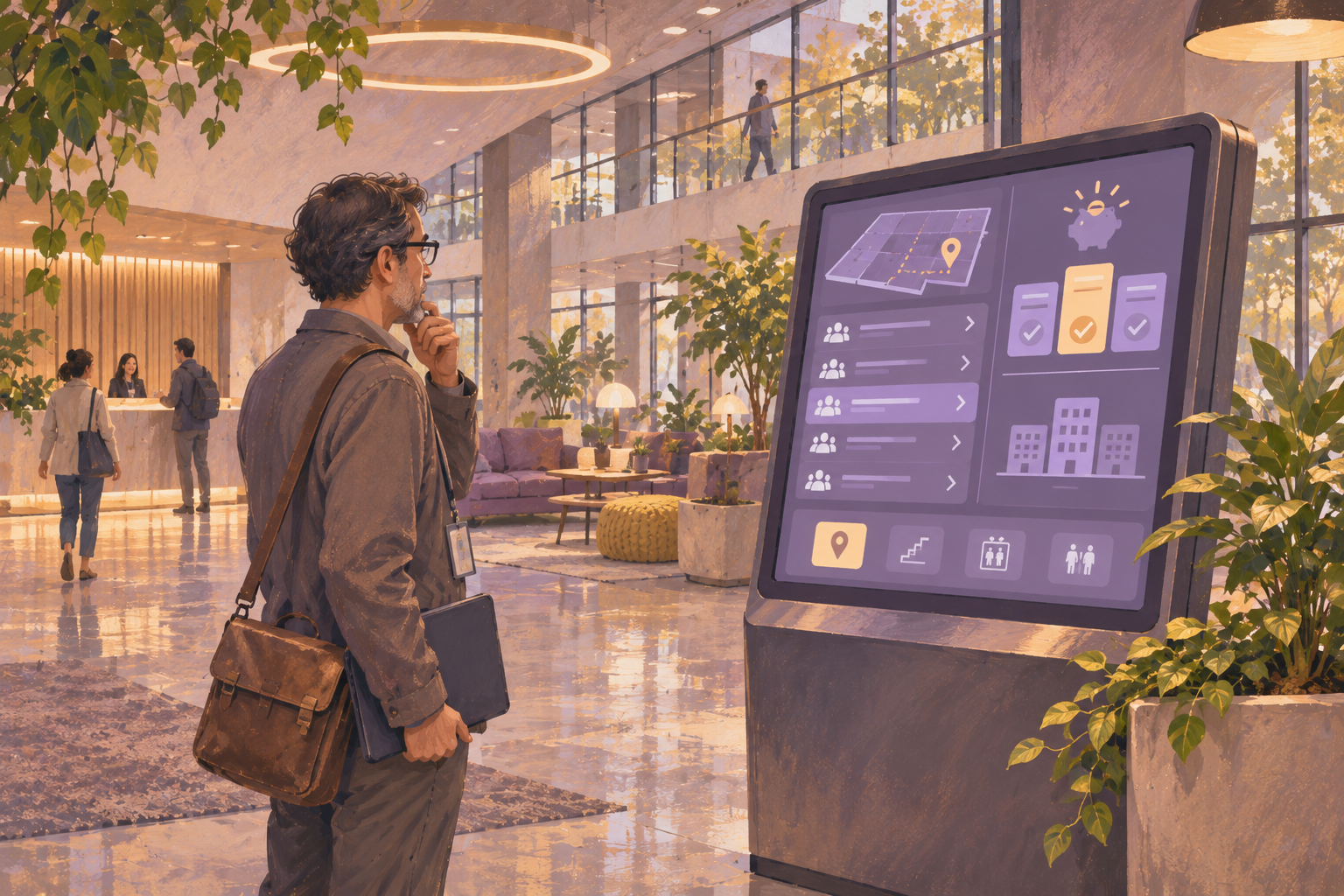
A digital building directory can be a screen that lists tenant names and suite numbers, or a touchscreen where visitors search and get directions. Which one you need determines what to budget. For a display-only directory, HipDeck’s listed Growth price is $8 per screen per month, or $96 for one screen over 12 paid months. Hardware, installation, design, and upkeep add to that software cost.
Choose the directory before pricing the display
Start with the tenant list you intend to post. Print it at roughly the proportions of your proposed display and stand where a visitor would read it. Ask someone unfamiliar with the building to find a tenant and tell you the suite and floor. If the list fits at a readable size, a display-only board may be enough.
Suppose a two-floor office building has eight tenants. A single screen could show the directory alphabetically, with rows such as “Aster Design · Suite 105 · Level 1” and “Cedar Accounting · Suite 210 · Level 2.” Keep the tenant list visible instead of rotating it out for announcements. If the building has several entrances, check whether each one needs a directory and whether the instructions from each entrance differ.
If the roster only fits at a size visitors can’t read, or people routinely arrive with just an employee name, price a searchable directory. Ask the vendor to demo a search, a tenant move, and a route from the proposed screen location. As one example of a dedicated directory product, Navigo lists touchscreen options and directory data integrations. The HipDeck setup below uses a display-only playlist.
Put the same items in every quote
- Equipment. List the display, separate player if needed, mount or enclosure, and any cabling or network components. Record which items you already own and verify the actual display and player combination.
- Installation and design. Ask who supplies power and network access, mounts the display, builds the first layout, enters the tenant roster, and trains staff. For a mapped kiosk, ask who builds and maintains the maps.
- Recurring charges. Record the number of licensed screens, billing interval, any hosting or support fees, and whether features such as search, maps, or directory synchronization cost extra.
- Ongoing upkeep. Identify who approves tenant names, handles suite moves, and restores the display after a restart. Ask whether support includes replacement hardware, on-site service, or only remote help.
Compare offers over the same term. First-year cost is equipment plus installation and initial design, plus the software and support due in that year. Include staff time if the quotes leave the same work to different people. Keep one-time and recurring costs separate so you can also see what year two looks like.
Work through a one-screen and two-screen example
If you already have a suitable TV and player, one display-only directory on HipDeck Growth would cost $96 in software over 12 paid months at the listed $8 monthly rate. A second separately licensed directory at another entrance brings that software subtotal to $192. Add your own equipment, installation, and labor estimates. These figures are arithmetic examples based on the HipDeck pricing page.
For a touchscreen quote, ask for the same cost breakdown. A single per-screen price is hard to compare if one offer bundles the enclosure and setup, while another only covers the software. Ask how the vendor handles roster updates in the specific system you plan to use. A demo with a sample tenant move can reveal whether staff would enter the same change twice.
Test one entrance before committing
- On a compatible TV browser or supported player, open the HipDeck player and pair it using the code shown on the display. Use the supported hardware guides to choose the route for your device and the first-screen guide for pairing steps.
- Publish a simple directory slide with approved names, suites, and floor labels. Read it from the real approach. Ask a visitor unfamiliar with the property to find one tenant and make the first turn without coaching.
- Rehearse a tenant move and a player restart. Confirm that staff can change the suite number, verify the live screen, and recover playback. Keep the property's existing directions available if the screen is unavailable.
HipDeck’s seven-day trial includes one screen and requires no credit card. Use it to answer two questions before buying more equipment: can visitors find the right suite, and can the person who manages the roster keep the TV current? For running the rest of the lobby screen, see HipDeck’s lobby screen management guide.