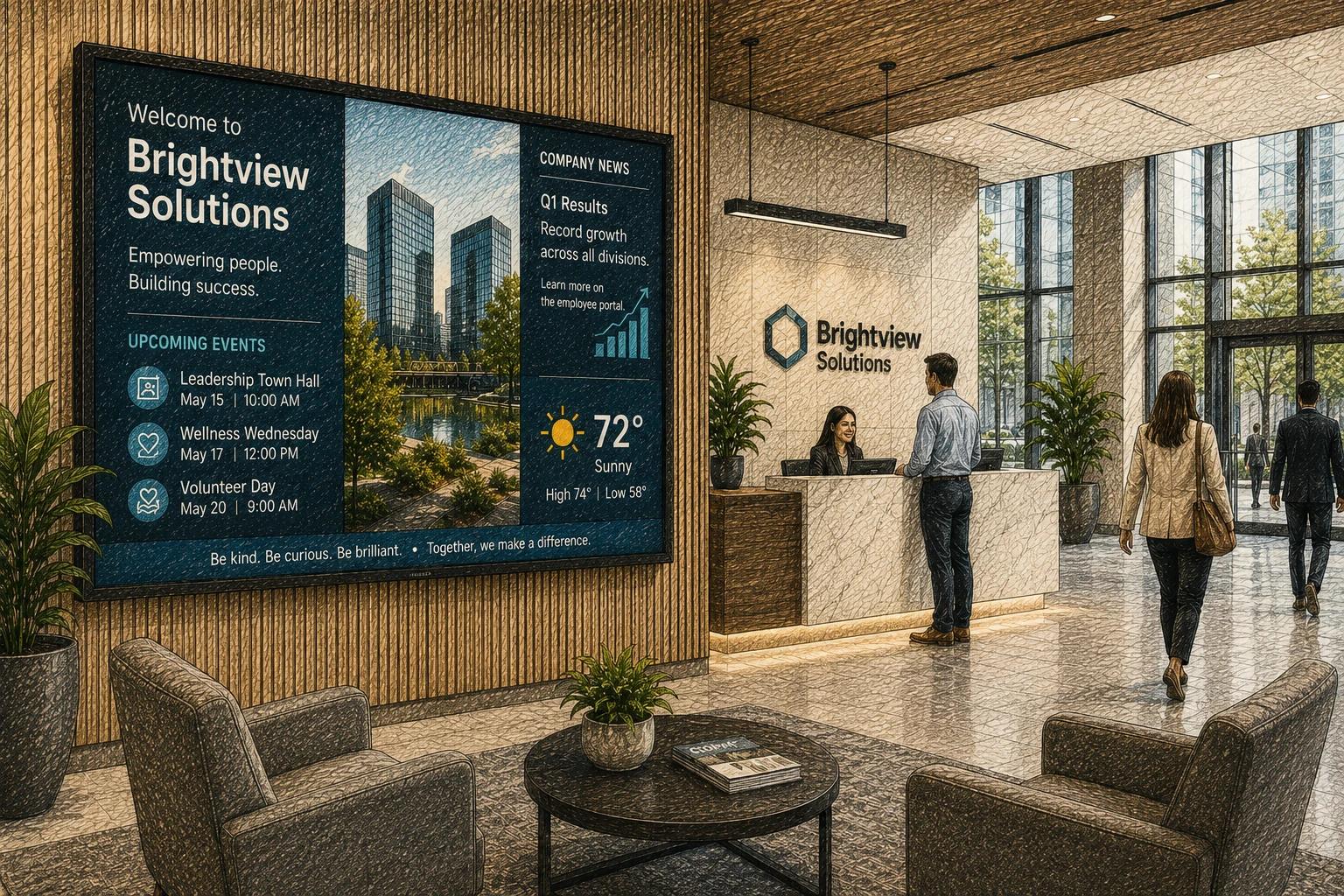
The front desk notices it first. A lobby screen with last month’s campaign, the wrong office hours, or a stretched logo does more than look off - it signals that no one owns the experience. Good office lobby screen management fixes that. It turns the display in your entrance from a forgotten monitor into a reliable part of how guests, clients, candidates, and employees experience your brand.
For many organizations, the challenge is not getting a screen on the wall. It is keeping that screen current, on-brand, and worth paying attention to. That is where screen management matters. A lobby display should feel alive, not random. It should reflect the pace of your business without creating one more manual task for a busy team.
What office lobby screen management really includes
People sometimes treat lobby signage as a design problem, but the bigger issue is operational. The content has to be easy to update, the display has to stay online, and the right message has to appear at the right time. If any one of those pieces breaks, the screen quickly becomes background noise.
Office lobby screen management is the mix of content planning, scheduling, device oversight, and governance that keeps lobby displays useful over time. That can include welcome messages, brand videos, social proof, event notices, office announcements, wayfinding, visitor instructions, recruiting messages, and live information feeds. In a single-location office, this may be simple. In a company with several sites, shared standards and remote control become much more important.
A well-managed lobby screen also has a clear job. Some offices want to create a polished first impression. Others need to direct visitors, reduce front-desk questions, highlight services, or reinforce internal culture. The best content strategy depends on that goal. A law firm lobby, a healthcare waiting area, and a multi-tenant office building should not all show the same kind of content just because they all have screens.
Why lobby screens often underperform
Most weak lobby screens fail for predictable reasons. The content gets uploaded once and then ignored. Too many stakeholders request changes, so no one maintains standards. The software is harder than expected, which means updates happen only when something feels urgent. Or the display is treated like a slide deck instead of a living communications channel.
There is also a timing problem. Lobby traffic is brief. People are checking in, waiting for a meeting, or walking through. That means long videos, dense text, and crowded layouts usually miss the mark. If the screen cannot communicate something useful in a few seconds, the issue is not attention span. It is message design.
Another common mistake is overloading the screen with every possible business update. In practice, a lobby display works best when it is selective. It should show what matters in that moment for that audience. Internal metrics may matter in a staff hallway. They may be completely wrong for a client-facing reception area.
How to build an office lobby screen management approach that lasts
The easiest systems to maintain are the ones that remove daily decision fatigue. Start by defining the role of the screen in one sentence. For example, it may be there to welcome visitors and reinforce brand trust, or to inform guests about services and upcoming events. That single decision shapes everything else, from layout to scheduling.
From there, create a content mix instead of treating every slide as a one-off request. Most lobby screens benefit from a simple balance: a few evergreen brand pieces, a few timely updates, and one or two utility-driven items such as office directions, check-in steps, or event details. This keeps the screen fresh without requiring constant reinvention.
It also helps to decide what should be centralized and what should stay local. If you manage multiple offices, brand standards, templates, and core messaging should usually be shared across locations. Local managers may still need room to add office-specific content like events, staffing notices, or building updates. Strong office lobby screen management is not about locking everything down. It is about setting guardrails that keep the experience consistent while allowing useful variation.
Scheduling matters more than many teams expect. A lobby screen should not show the same loop all day if traffic patterns change. Morning content may focus on arrivals, announcements, or coffee hour reminders. Afternoon content may shift toward meeting schedules, promotions, or recruiting messages. If your office hosts events, visitors, or rotating campaigns, scheduling should do the heavy lifting instead of relying on someone to swap content manually.
Content that works in a lobby
The best lobby content is easy to understand at a glance. It looks professional, but it is not trying too hard. Good design in this context means strong hierarchy, limited text, readable type, and motion used with restraint. If every item on screen moves, nothing stands out.
Brand storytelling can work well in a lobby, but only when it respects the setting. A short company overview, client logos, community involvement, awards, or service highlights can support trust. So can simple social proof, especially in client-facing businesses. But there is a difference between credibility and clutter. One clear message per screen is usually enough.
Practical information often performs even better than promotional content. Visitors appreciate directional cues, Wi-Fi details, event agendas, suite numbers, QR check-in instructions, or alerts about delayed appointments. In many cases, usefulness is the fastest route to a better impression.
Live data can add relevance, though it depends on the environment. Weather, calendars, room status, and event feeds can be helpful. Generic news tickers are often less useful than people assume. If a feed does not support the visitor experience or business goals, it probably does not belong in the lobby.
The operational side of office lobby screen management
A polished screen experience depends on more than content. Someone needs visibility into whether screens are online, whether updates have published, and whether devices are playing the correct content. This is where lightweight remote management matters.
For small teams, simplicity is not a nice-to-have. If updating a lobby screen requires a designer, an IT ticket, and a separate media player workflow, the process will break under normal business pressure. The right setup should make it easy for a marketing lead, office admin, or operations manager to publish updates confidently without feeling like they are managing infrastructure.
Templates are especially valuable here. They reduce brand drift, shorten update time, and make recurring content easier to maintain. If your team regularly posts hiring notices, event welcomes, announcements, or rotating campaigns, templates turn those into repeatable workflows instead of custom projects.
Approvals can help, but they should match the complexity of the organization. A highly regulated environment may need tighter control over what appears in public spaces. A small business may just need one clear owner and a simple publishing process. More governance is not always better. The goal is dependable execution, not bureaucracy.
What to look for in software for office lobby screen management
The best platform is usually not the one with the longest feature list. It is the one your team will actually use consistently. That means intuitive content editing, reliable scheduling, remote device management, and enough flexibility to support different locations and display types.
If your organization has more than one office, centralized control becomes a major advantage. You should be able to update all lobbies from one place, push shared campaigns, and still tailor content by region or site. If you run a single office, ease of use may matter more than advanced permissions or custom integrations.
Automation is another important factor. Recurring playlists, content expiration dates, and feed-based updates reduce the risk of stale screens. This is especially helpful for lean teams that do not have time to babysit signage. A modern system should help the screen stay current with less manual effort, not create more to-do items.
This is one reason platforms like HipDeck are gaining traction with organizations that want professional signage without enterprise drag. The appeal is not complexity. It is the ability to create, schedule, and manage polished screen content quickly enough that the lobby screen stays useful week after week.
Measuring whether your lobby screen is doing its job
Not every screen needs a hard ROI formula, but it should still earn its place. Start with practical questions. Are visitors less confused when they arrive? Are promotions changing on schedule? Are office announcements more visible? Are front-desk teams answering fewer repetitive questions?
You can also track indirect signals. If recruiting content runs in your lobby, ask candidates how they heard about the company. If event messaging appears on arrival screens, monitor check-in flow or attendee readiness. If the screen supports brand perception, get feedback from staff and visitors about what they notice and remember.
A lobby display does not need to do everything. It just needs to do its intended job consistently and well. That is the real value of good management.
The strongest lobby screens are not the flashiest ones. They are the ones people can trust to be current, clear, and appropriate to the moment. When office lobby screen management is handled with that mindset, the screen stops being wall decor and starts working like part of the business.