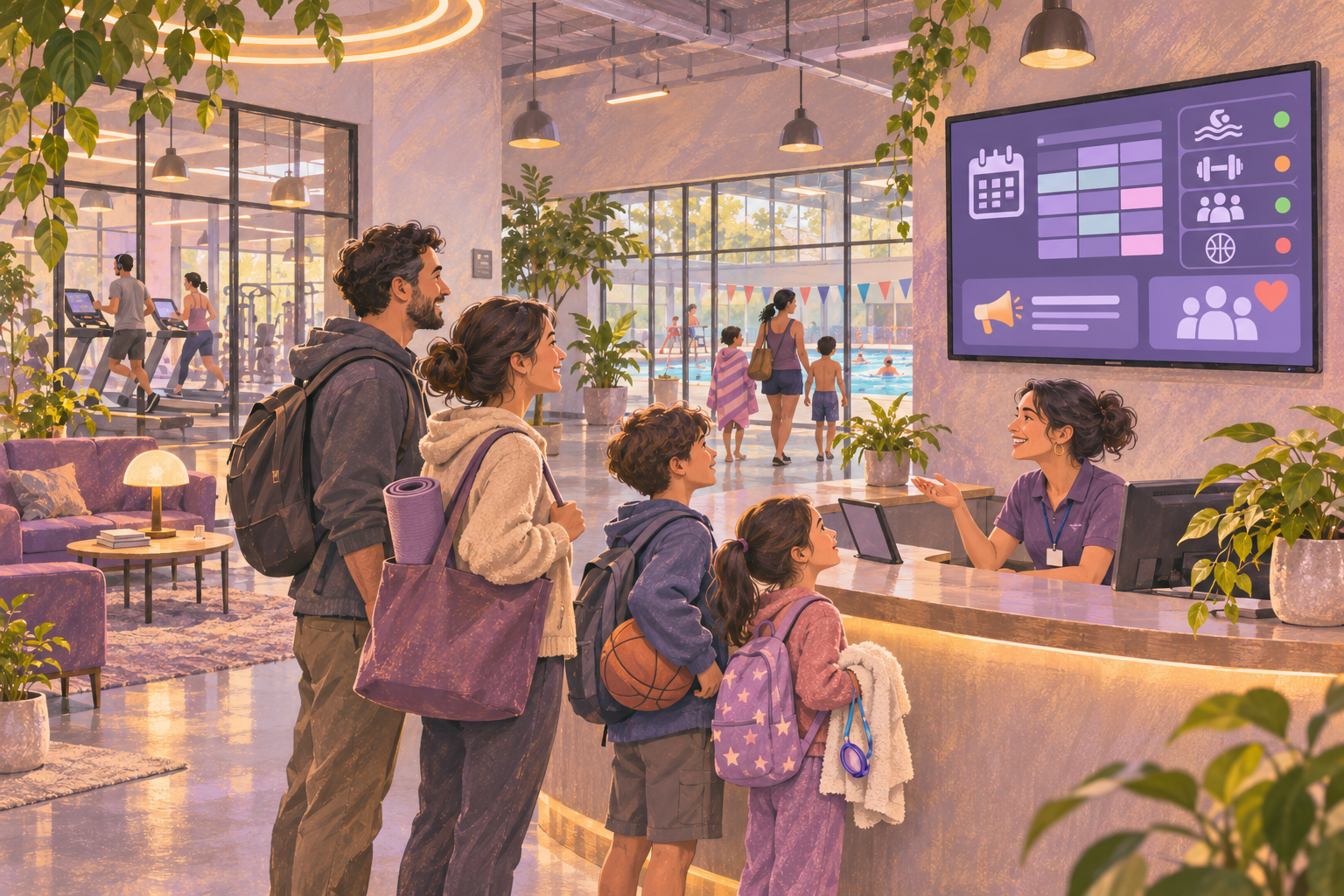
Digital signage for a YMCA needs to help members make the next decision: which studio to enter, whether a class has moved, where registration happens, or when a program begins. Choosing software starts with how that information reaches the screen and who corrects it when plans change.
A branch that wants a welcome board and seasonal program promotions has different requirements from an association that needs class cancellations pulled from its booking system across several locations. Use the checklist below to define that difference before comparing vendors.
Start with the member journey and the source of each fact
Walk from the entrance to reception and the activity rooms. At each proposed screen, write down one question a member should be able to answer without touching the display. Then identify the system or staff role that owns the answer.
- Reception: today's activities, room directions and where to get help. The owner may be the welcome-center team, with class details coming from the approved timetable.
- Outside a studio: the current and next class, instructor and room changes. The owner should be the team responsible for the actual class schedule.
- Program promotion area: registration deadlines, eligibility and the next step. The program owner should approve the message and its removal date.
- Donor recognition area: approved names, recognition period and branding. Keep this approval process separate from operational class updates.
Distinguish a class being cancelled from a member cancelling a reservation. Those events have different consequences. The YMCA of Greater San Francisco's membership FAQ describes location-specific schedules, reservations and cancellation notifications in its app. A signage proposal should specify which of those states it can actually display.
Decide how much booking-system integration you need
There are three useful approaches to evaluate. Ask each supplier to identify which approach its quote covers.
- Staff-maintained content. Someone edits a slide when the timetable changes. This can suit a small pilot or stable program announcements, provided the branch has a named owner and a correction routine.
- A display-only web view or shared document. An approved timetable appears through an embed. Test access without a staff login, readability on the TV and how long a source edit takes to become visible.
- A booking-system connection. A connector transforms source data into a screen layout. Ask which fields, statuses and branches are supported, how errors are handled, and who supports the connector.
An integration requirement deserves a live demonstration with the system your association uses. For example, Screen Pulse's YMCA page lists connections with platforms including Daxko, GroupEx Pro and YMCA 360. Treat that as a supplier's documented capability to investigate: confirm your product version, required fields, refresh behavior and any setup charges.
For HipDeck, the public Google Workspace embed guide documents Sheets and Calendar display routes. That does not establish a native connection to Daxko, YMCA 360 or another membership system. Have the exact source and authentication requirements reviewed before choosing HipDeck for an automated class board.
Do not publish a membership workbook to make a screen work. Prepare a separate display-only resource containing approved class information. Exclude attendance lists, member contact details, payment information and private staff notes. If that separation creates another timetable to maintain, include the extra work in your decision.
Run a cancellation drill during the demo
Give suppliers the same hypothetical scenario: a 6:00 p.m. class in Studio A is cancelled, while a 6:15 p.m. class in Studio B continues. A regional program promotion must remain visible, and the change applies to only one branch.
For the exercise, use an unmistakable message such as: 'TODAY — 6:00 p.m. Cycle in Studio A is cancelled. The 6:15 p.m. Yoga class in Studio B runs as scheduled. Ask reception about alternatives.' Use a specific date on the real screen so yesterday's notice cannot look current.
- Change the authoritative schedule first. For an integrated solution, ask the supplier to show the changed status traveling from that system to the screen. For a manual solution, have a branch staff member make the correction using the proposed workflow.
- Inspect the affected screen and an unaffected branch. Check class name, date, room and status, and confirm the notice has not spread to the wrong location.
- Record the elapsed time and every staff action. Decide whether the result meets your branch's operational requirement; a supplier's dashboard preview is only part of this check.
- Rehearse removing the notice. Confirm that a recurring schedule or old playlist will not restore the original class message after the correction.
Ask what happens if the timetable connection fails during that drill. Staff need a recognizable failure state and a way to direct members to reception. A frozen schedule that still looks current deserves explicit handling.
Check branch permissions, screen placement and recovery
Have marketing and a branch employee perform their normal edits. Test who can change association-wide campaigns, who can correct a local notice, and who can assign content to another branch. Include approval responsibilities in the handover, even if approvals happen outside the signage software.
Use the actual display and proposed player for the pilot. Check whether members can read the timetable from the arrival route, whether a returning viewer can quickly find the next class, and whether critical room information disappears behind a promotional loop. A screen outside a studio may need a persistent schedule rather than rotating advertisements.
For a HipDeck browser setup, the mini PC guide documents Chrome playback, full-screen or kiosk mode and startup configuration. Test restart behavior on your chosen device before installing it where staff cannot easily reach it.
Separate continued playback from current information. HipDeck's offline guide says downloaded text and images can typically continue during an outage, while embedded websites and live content require internet access. Cached content cannot confirm that a class remains available. Keep the branch's normal staff communication and emergency procedures in place.
Compare the whole operating cost
Request the same items in every quote: screen licenses, players, mounts and installation, connector setup, ongoing connector fees, support, training and content maintenance. Ask what happens to each charge when you add a branch or remove a display.
Estimate the staff work separately. List who updates class notices, who checks the screen each morning, and who fixes login or playback problems. A low subscription price is useful only if the resulting routine fits the people working that shift.
HipDeck's current pricing page lists Growth at $8 per screen per month and a seven-day trial with one included screen and no credit card required. Hardware, installation and any external data services need their own budget. Confirm an integration-dependent workflow before committing to a wider rollout.
Pilot the requirement that could change your decision
If your first requirement is a managed welcome screen with program promotions and staff-owned notices, start with one HipDeck trial screen. Use the screen-pairing guide, name it for its branch and location, and load only approved sample content.
Use playlist scheduling for planned time-of-day or date-range changes. Separately rehearse a last-minute class cancellation; a playlist schedule does not create a booking-system connection.
If automatic class status is essential, make source-to-screen integration the first acceptance test. Ask the supplier to prove the exact cancellation and room-change workflow before spending time on branded templates.
Finish the pilot by asking whether members found the right room, whether staff could correct the screen, and whether it recovered after a restart. Keep a log of missed updates and unresolved requirements. That evidence gives your YMCA a sounder buying decision than a feature list alone.