Design Tools & Integrations
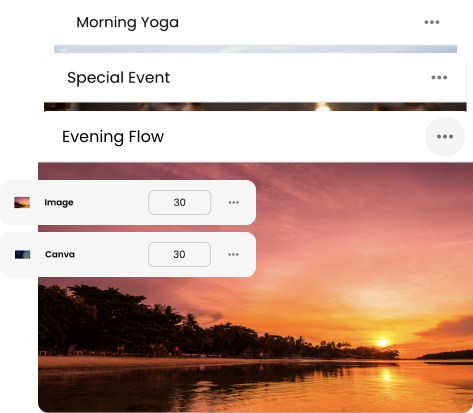
Create stunning content with built-in design tools or connect to popular apps like Canva, YouTube, News Outlets, and more.
Digital Signage 101
Digital signage turns everyday screens into a flexible way to share information. Learn how it works, what you need to get started, and how businesses use digital displays to communicate with the people around them.




St. Francis Xavier Church




St. Francis Xavier Church
St. Francis Xavier Church
Digital signage is the use of digital screens—such as TVs, monitors, menu boards, kiosks, and commercial displays—to show information, advertisements, menus, announcements, videos, promotions, and other visual content.
Unlike traditional printed signage, the content shown on a digital sign can change without replacing the physical sign itself. Using digital signage software, businesses and organizations can create content, publish updates remotely, schedule content to appear at specific times, and manage multiple screens from one place.
You've probably encountered digital signage many times without thinking about it. The menu screens above the counter at a restaurant, promotional displays inside a retail store, arrival and departure boards at an airport, directories in hospitals, announcement screens in schools, and information displays in hotel lobbies are all examples of digital signage.
A television showing a regular TV channel isn't usually considered digital signage. What makes digital signage different is that the screen is being intentionally used to communicate specific information to an audience.
The content is typically controlled by a business or organization using a content management system. Instead of relying on television broadcasts, the organization decides what appears on the screen, when it appears, and which screens should display it.
That content might be as simple as a single image showing store hours or as complex as a scheduled playlist containing videos, menus, promotions, weather information, QR codes, announcements, and other dynamic content.
Most digital signage systems can be broken down into three basic components: a display, a media player, and digital signage software.
The display is the screen your audience sees. It can be a regular television, computer monitor, commercial-grade display, touchscreen, video wall, or another type of digital screen.
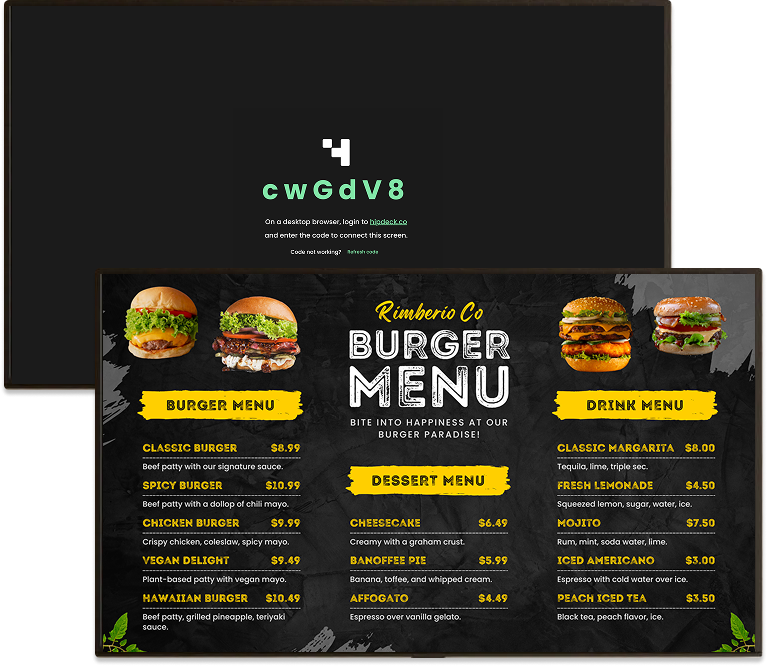
The media player delivers content to the display. Depending on the setup, this might be a dedicated digital signage player, a small Android or streaming device, an application running directly on a smart TV, or a web browser.
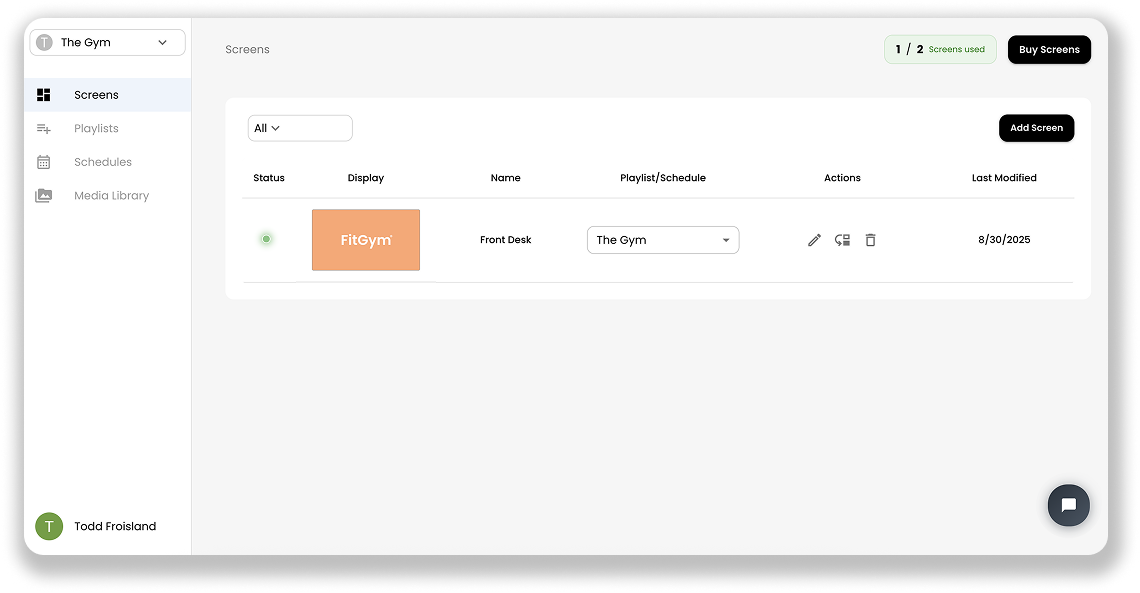
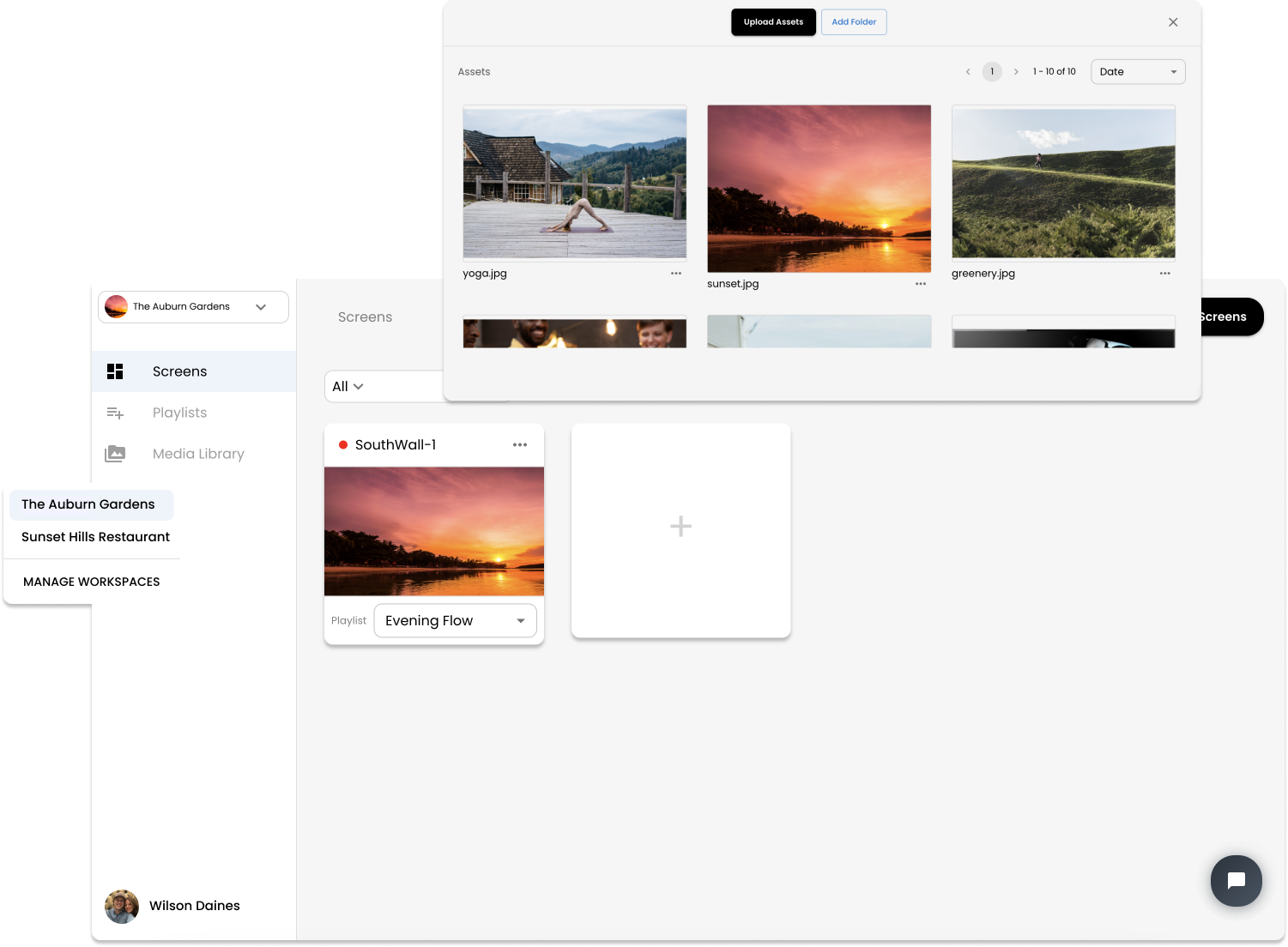
The digital signage software is where the system is managed. It allows you to create or upload content, organize it into playlists, schedule when it should appear, connect screens, and publish changes remotely.
Together, these components create a simple flow:
Create content → Publish it → Media player receives it → Screen displays it
Modern cloud-based systems make this possible without being physically next to the screen. A business can update a display across the room, across town, or at another location entirely.
"Digital" doesn't necessarily mean that everything on the screen needs to move.
A digital sign can display a static menu or announcement just like a printed sign. The difference is that the content can be changed when needed without printing and installing a replacement.
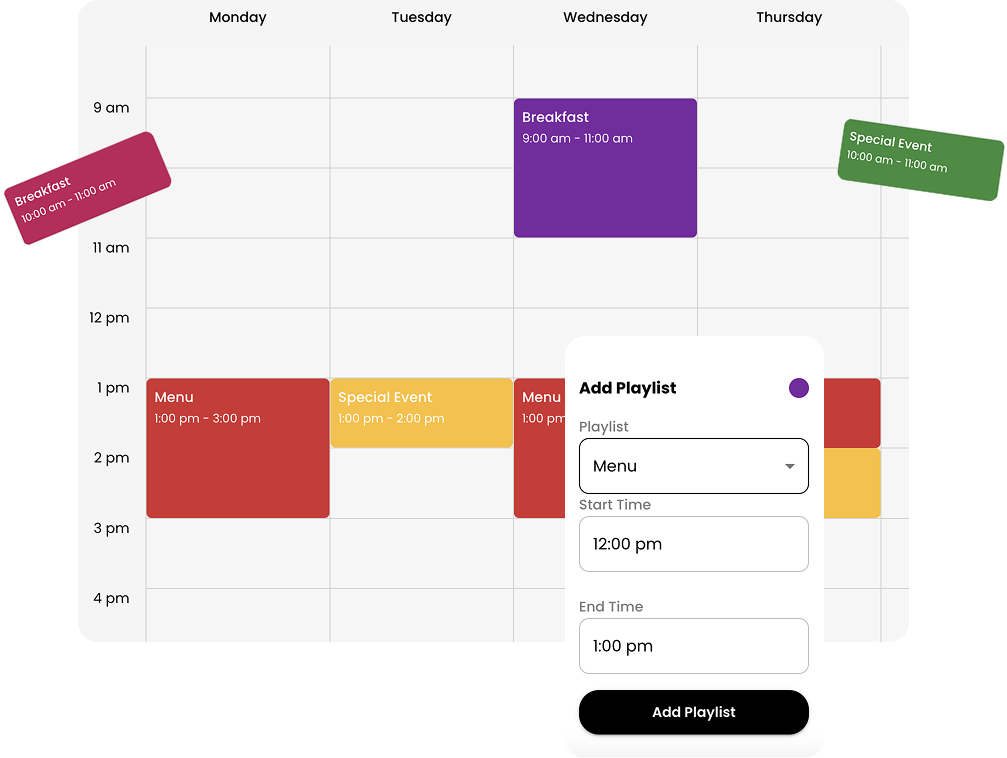
Digital signage can also take advantage of content that isn't possible with traditional signs. Screens can rotate through multiple messages, play video, display animations, show changing information, incorporate QR codes, and automatically switch between content throughout the day.
For example, a restaurant could show its breakfast menu in the morning, automatically switch to lunch at 11:00 AM, promote a limited-time offer during the afternoon, and display its dinner menu later in the day—all using the same screens.
Digital signage doesn't have to mean a large network of displays.
A small business might use a single TV behind its counter. A school might have screens throughout its campus. A restaurant could operate several digital menu boards, while a larger company might manage hundreds of displays across offices or locations.
The same basic concept applies at every scale: control what appears on your screens using software rather than manually replacing physical signs.
As the number of screens grows, centralized management becomes increasingly useful. Content can be updated once and published across multiple displays, while individual screens or groups of screens can still show different content when necessary.
This combination of flexible content and remote management is what makes digital signage useful across such a wide range of industries.
You can learn how to get started with HipDeck here: how digital signage works
Everything you need to create, manage, and display your content.
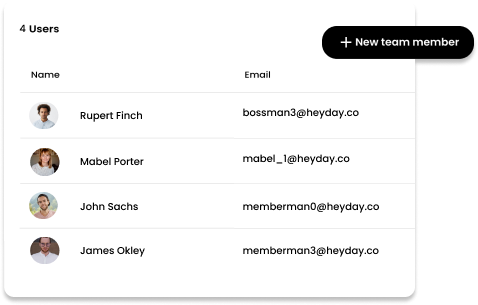
Self managing digital signage reduces manual updates by automating content, scheduling, and screen control across locations with less effort.
Create your free HipDeck account in minutes — no credit card required. Learn how to sign up, confirm your email, and log in for the first time.
Run HipDeck on Fire TV, Android devices, Mini PCs, desktop browsers, and TV browsers — find setup guides for every supported digital signage device.
Start with a 7-day free trial — no credit card required. Then just $8 per screen per month, scaling as you grow.
Loved by individuals and teams.
"We were looking for a good way to show bulk prices in our store and HipDeck has been perfect. Easy to use and reliable."
Clint W., Diamond Feeds, USA

"The platform is robust enough for high-traffic environments like campus data centers and retail outlets, offering a level of stability that is hard to find in mid-market tools."
MHDLABIB, Egypt

"It allows for nice amount of flexibility and different options. They have recently done some updates and we like the direction this is going towards."
St. Marylebone Church, UK
Digital signage is the use of screens, such as TVs and commercial displays, to show information, menus, advertisements, announcements, videos, and other content. Unlike printed signs, the content can be updated digitally without replacing the physical display.
Common examples include restaurant menu boards, retail promotions, airport information displays, hotel directories, school announcements, office dashboards, waiting room displays, event schedules, and digital advertising screens.
A typical digital signage system uses a screen, a media player, and a CMS (content management system). Content is created or uploaded to the software, sent to the media player, and displayed on the connected screen. Cloud-based systems can be managed remotely over the internet.
Most setups require a screen, a compatible media player, and digital signage software. Depending on the system, you may be able to use an existing TV and an inexpensive external player rather than purchasing a specialized commercial display.
Yes. Many digital signage installations use standard consumer TVs, particularly for small businesses and environments where screens aren't operating continuously. Commercial displays can be a better choice for demanding environments because they're generally designed for longer operating hours and commercial use.
Digital signage software is the system used to create, organize, schedule, publish, and manage the content shown on digital signs. Modern platforms can also manage multiple screens and locations remotely. You can learn more in our guide to digital signage software.
An internet connection is generally needed to connect screens, publish updates, and remotely manage cloud-based digital signage. Some systems can continue displaying previously downloaded content during temporary internet outages, depending on the player and software being used.
The cost depends on the displays, media players, software, installation, and number of screens. A simple setup using an existing TV can be relatively inexpensive, while commercial displays, video walls, and professionally installed systems can cost considerably more.
A TV is the physical display, while digital signage describes how a screen is being used and managed. A television becomes part of a digital signage system when it's used to intentionally display managed content such as menus, promotions, announcements, or information.
Digital signage makes it easier to update information, schedule content, manage multiple screens remotely, reduce repeated printing, display video and other dynamic content, and maintain consistent messaging across locations.

HipDeck

Product
Features
Pricing
White Label
Schedule a Demo
Resources
Getting Started
Element Guides
All Guides
API Documentation
Blog
Report an Issue
Company
Privacy Policy
Terms of Service
Security & Compliance Overview
Use Cases
Restaurants & Cafes
Retail
Gyms & Fitness Studios
Places of Worship
© 2026 HipDeck. All rights reserved.