01
Create an account
Sign up and create your first workspace. This is where you'll host all your display and content data. For the most flexibility, each workspace has separate data, billing, and user access.
Digital Signage Software
Create, schedule, and manage content across all your screens from one place. HipDeck makes professional digital signage easy to launch, update, and scale.



St. Francis Xavier Church




St. Francis Xavier Church
St. Francis Xavier Church
Digital signage is using digital screens like TVs, monitors, digital menu boards, kiosks, and commercial displays—to communicate information through visual content. Businesses and organizations use digital signage to display advertisements, menus, promotions, announcements, schedules, wayfinding information, videos, dashboards, and other messages to customers, employees, students, visitors, and guests.
Unlike traditional printed signs, digital signage doesn't require a new sign to be printed every time information changes. Content can be created and updated digitally, then sent to one or many screens using digital signage software. This makes it possible to update a display in a single location or manage hundreds of screens across multiple locations from one place.
You need three things to get started: A display, a CMS (like HipDeck), and a compatible player.
The display is the screen people see. This can be an existing television, a computer monitor, a commercial-grade display, or a specialized screen such as a digital menu board. You don't necessarily need specialized hardware to get started—many businesses can turn an existing TV into digital signage.
A player connects the display to the signage platform and loads the content that should appear on the screen. Depending on the system, the player might be a dedicated media player, an Android TV device, a smart TV application, or just a web browser running on compatible hardware.
The CMS (Content Management System) is where content is created, organized, scheduled, and managed. Instead of manually updating every television or display, users can make changes from a computer and remotely publish them to connected screens.
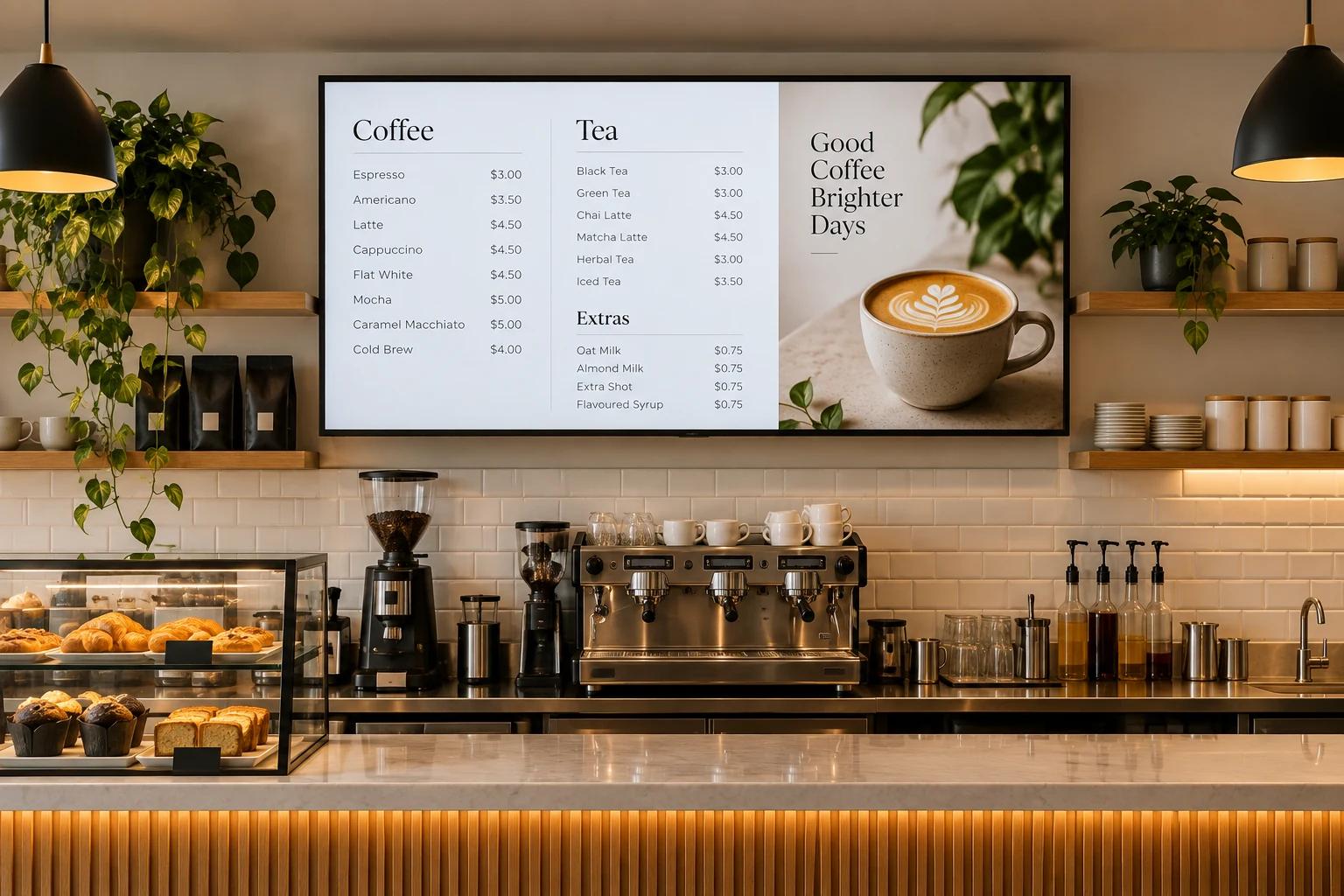
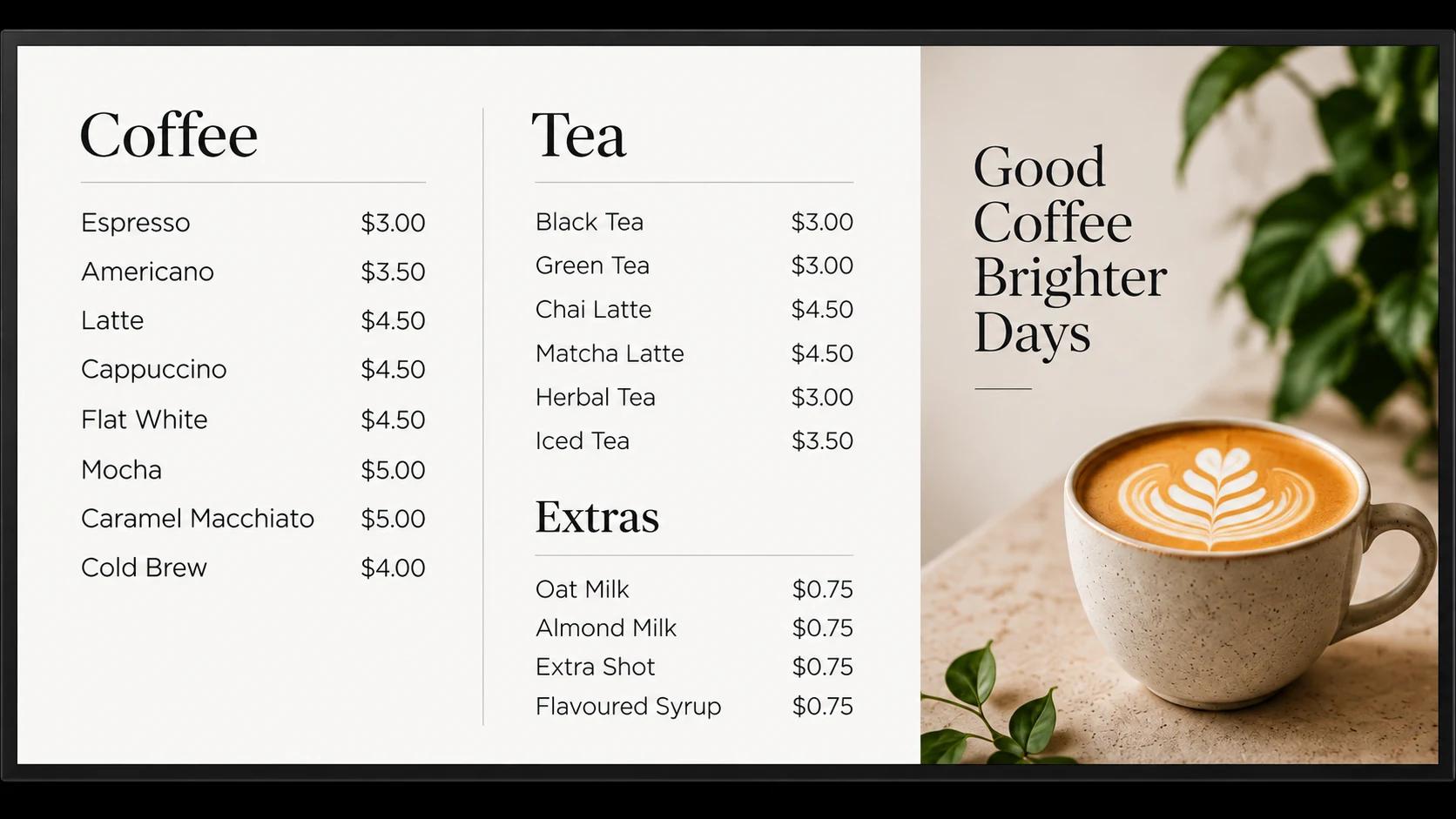
For example, many of our clients use our built in CMS to update their restaurant menu pricing without having to order new signs or redraw their menus by hand. Retail locations use it to update and schedule future promos both on-the-fly and in advance using our built in scheduling tool. Product showrooms use it to show feature highlights, newly released products, and information about their businesses. Dentists & clinics use HipDeck to share information about procedures, inform new clients about their offerings, and manage wait times.
Digital signage can be used for much more than static images. Screens can display combinations of text, images, videos, menus, QR codes, promotions, weather information, news, schedules, branded graphics, presentations, and other dynamic content.
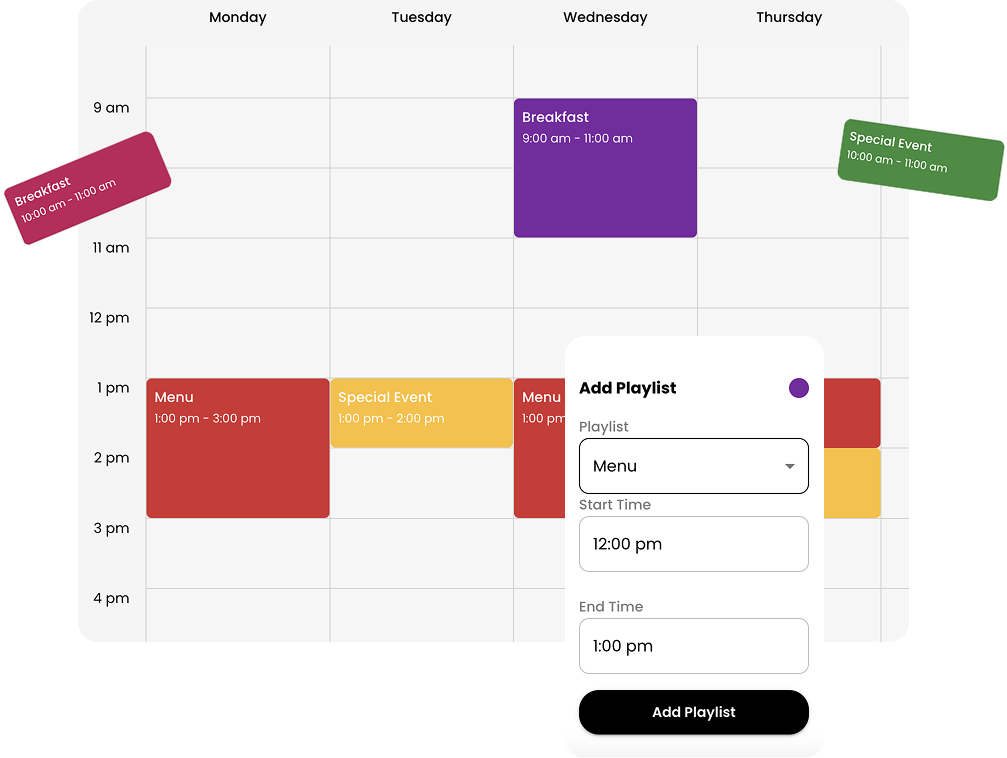
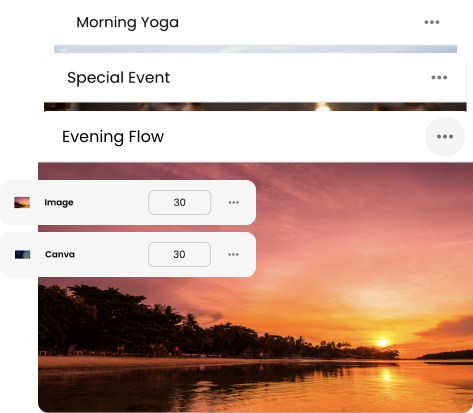
Content is organized into playlists, allowing multiple pieces of content to rotate throughout the day. With digital signage scheduling, different content can automatically appear at specific times, on certain days, or on selected screens.
This flexibility allows the same platform to serve very different purposes. Restaurants can create digital menu boards, retailers can promote products and special offers, schools can share announcements and upcoming events, and businesses can use digital signage for internal communications.
The screen itself doesn't have to change when the message does.
Traditional signage has to be designed, printed, shipped, installed, and eventually replaced. Digital signage allows the content displayed on an existing screen to change whenever needed.
That makes digital signage particularly useful for information that changes frequently. Prices can be updated, promotions can start and end, announcements can be replaced, seasonal content can be scheduled in advance, and important information can be published across multiple screens without someone physically visiting each display.
Digital signage also gives organizations greater control over how their brand appears across locations. Instead of individual locations creating their own signs, approved designs, logos, colors, images, and messaging can be managed through a centralized digital signage content management system.
One of the defining features of modern digital signage is remote management.
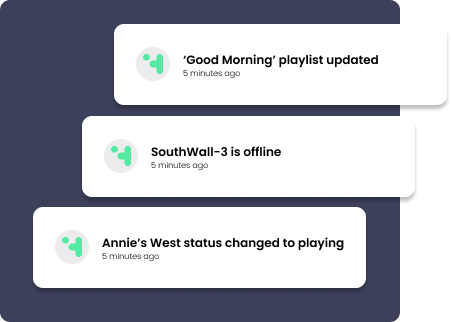
With cloud-based digital signage software such as HipDeck, screens can be connected to an online account and managed from virtually anywhere. Content can be created or uploaded, organized into playlists, scheduled, and published to selected displays without needing direct access to the television.
For organizations operating multiple screens or locations, this creates a centralized system for managing what appears across their entire digital signage network.
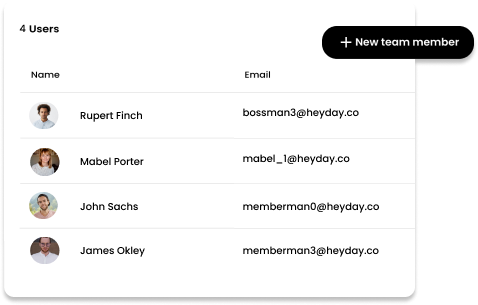
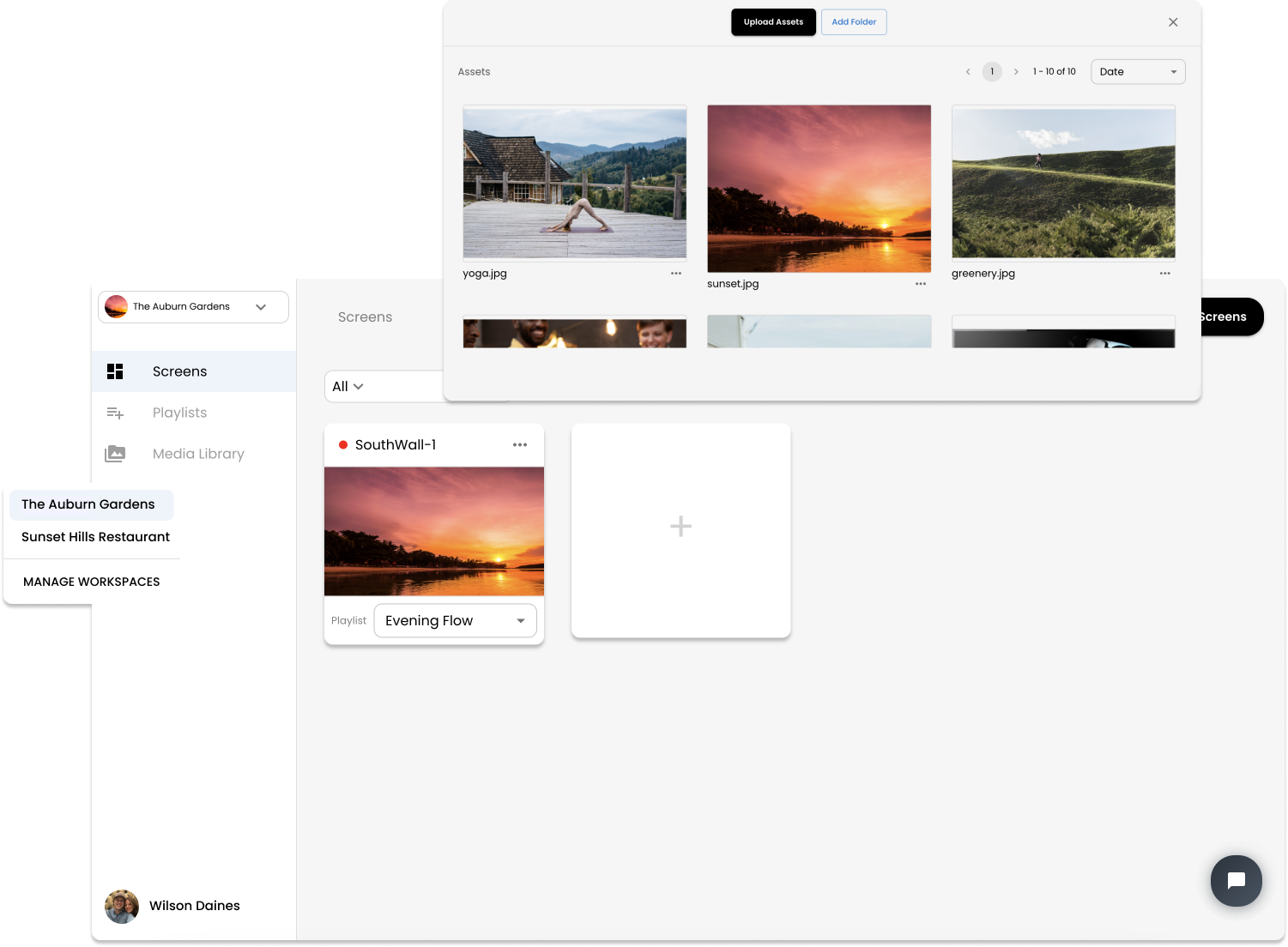
A local business may only need one or two displays. A larger organization might have screens spread across offices, stores, schools, restaurants, or other facilities. The underlying idea is the same: create the content once, decide where and when it should appear, and publish it to the appropriate screens. HipDeck further allows splitting access to content management. This means you can have standard company-wide content mixed in with more localized content for locations who need more flexibility.
HipDeck brings these pieces together into a digital signage platform designed to make creating and managing professional displays simple.
You can create content using a visual editor, organize it into playlists, connect compatible displays, schedule when content should appear, and remotely publish updates to your screens. Multiple displays and locations can be managed from the same platform, allowing your signage to grow alongside your organization.
Whether you're setting up your first screen or managing digital signage across multiple locations, HipDeck provides the tools to keep the information people see current, useful, and consistent.
01
Sign up and create your first workspace. This is where you'll host all your display and content data. For the most flexibility, each workspace has separate data, billing, and user access.
Everything you need to create, manage, and display your content.
Digital signage explained: what it is, how it works, benefits, examples, and how businesses can get started with modern digital signage solutions.
Discover the top digital signage software providers, compare features, and find the best platform to manage and display content across your screens.
A straightforward explanation of digital signage software pricing
Digital signage for small business can boost sales, improve communication, and save time. Here's how to choose a setup that fits.
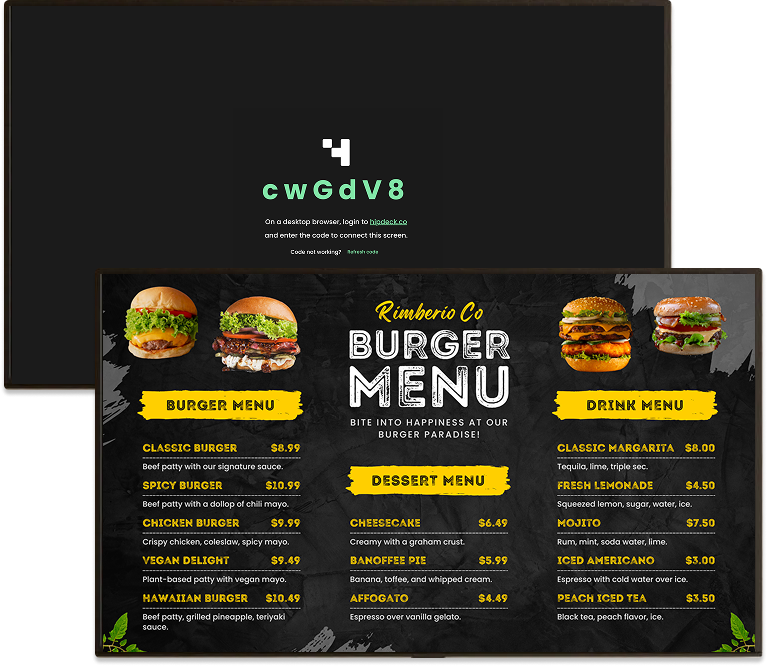
Connect your first screen to HipDeck in minutes using Fire TV, Chromecast, Android, or a web browser — no extra hardware or credit card required.
Set up HipDeck in three steps: create a playlist, connect your screen with a pairing code, and publish your content on a schedule.
Start with a 7-day free trial — no credit card required. Then just $8 per screen per month, scaling as you grow.
Loved by individuals and teams.
"We were looking for a good way to show bulk prices in our store and HipDeck has been perfect. Easy to use and reliable."
Clint W., Diamond Feeds, USA

"The platform is robust enough for high-traffic environments like campus data centers and retail outlets, offering a level of stability that is hard to find in mid-market tools."
MHDLABIB, Egypt

"It allows for nice amount of flexibility and different options. They have recently done some updates and we like the direction this is going towards."
St. Marylebone Church, UK
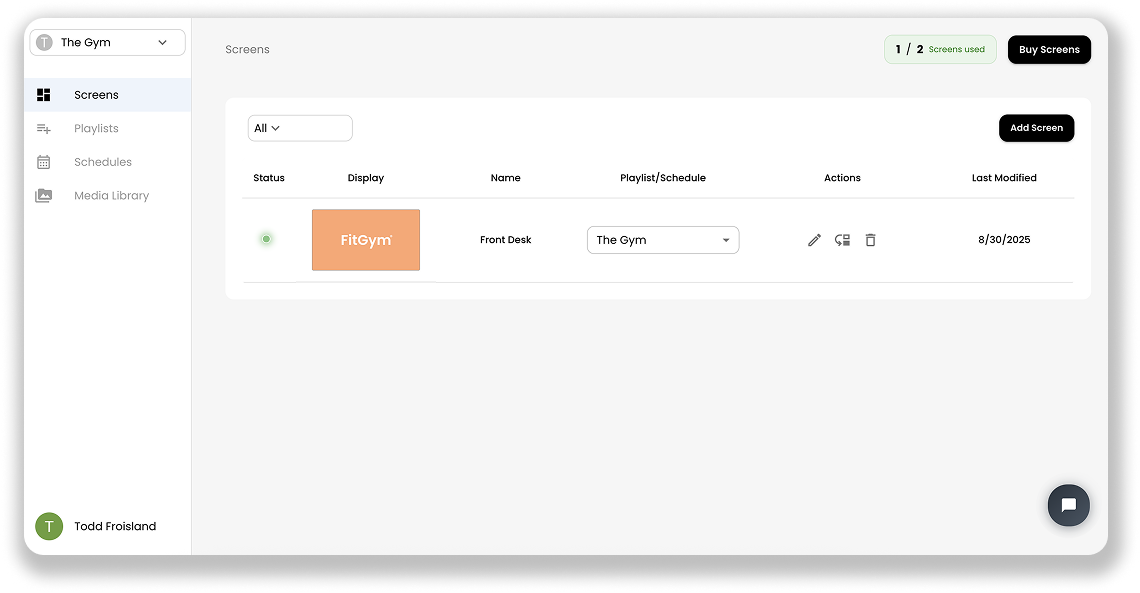
Digital signage software lets you create, schedule, publish, and remotely manage content shown on TVs and digital displays. HipDeck provides a central dashboard for managing your content, playlists, schedules, and connected screens.
Digital signs provide a number of advantages over non-digital displays, including easy and instant updates, remote management, and interactive and dynamic content.
Digital signage software pricing varies by provider, features, and the quality of the platform. HipDeck costs $8 per display per month. We’re not the cheapest option—or the most expensive—but we’ve priced HipDeck to reflect the quality and capabilities of the platform while keeping it accessible as you grow. Start with a single screen and add displays whenever you need them.
What devices can I use with HipDeck?
HipDeck supports multiple ways to power your displays, including compatible Android TV, Fire TV’s and sticks, Raspberry Pi’s, as well as browser-based playback. Choose the option that best fits your existing TVs and deployment.
Yes. You can use an existing TV with a compatible player or browser rather than purchasing a specialized commercial signage display. Bear in mind that consumer TVs generally aren’t designed for the same operating hours or lifespan as commercial displays. That said, many users successfully run digital signage on consumer TVs for years before experiencing problems.
Absolutely! That’s the beauty of cloud based digital signage. HipDeck lets you manage multiple connected displays from one place, making it suitable for businesses with several screens or locations.
Yes. Once your screens are connected to HipDeck, you can update and publish content remotely without physically visiting each display.
Yes. HipDeck supports content scheduling so you can control when different content appears, down to the minute. For example, a restaurant can automatically switch between breakfast, lunch, and dinner content. You can also set custom start and stop dates for content for special events or holidays.
HipDeck supports a variety of digital signage content, including images, videos, playlists, web-based content, QR codes, and supported integrations like Canva, YouTube, news sources and more. The list is ever growing, so check out the features list for the most up to date details.
Can I use Canva designs with HipDeck?
Yes. HipDeck integrates directly with Canva, allowing you to incorporate designs you've created in Canva into your digital signage.
Yes. HipDeck can centrally manage displays across multiple locations, allowing organizations to update content without managing each screen independently.
Not necessarily. HipDeck can work with affordable compatible playback devices and browser-based setups, so many businesses can use TVs they already own.
Create a HipDeck account, create your content or playlist, connect a display, and publish. You can start with one screen on a 7 day free trial and add additional displays when needed.

HipDeck

Product
Features
Pricing
White Label
Schedule a Demo
Resources
Getting Started
Element Guides
All Guides
API Documentation
Blog
Report an Issue
Company
Privacy Policy
Terms of Service
Security & Compliance Overview
Use Cases
Restaurants & Cafes
Retail
Gyms & Fitness Studios
Places of Worship
© 2026 HipDeck. All rights reserved.